
A good export is not merely a ZIP download. You need to know which documents entered the period, locate every XML, verify its fingerprint and retain evidence of hand-off or filing. BelloPOS offers an XML for one invoice or credit note and a period ZIP with a CSV manifest. Neither is, by itself, a DGI receipt.

The recommended flow
- Use individual XML to inspect or deliver one identified document.
- Use a period ZIP for the accountant, archive or grouped filing when the channel accepts it.
- Reconcile manifest rows, present files and number sequences.
- Recalculate a sample of SHA-256 fingerprints before hand-off.
- Transmit through an approved channel and retain its evidence separately.
- Never edit sealed XML inside the ZIP; correct the source through the proper document flow.
1. Choose individual XML or a period ZIP
The format follows the task. A customer, accountant or auditor may request one item; month end needs a reconcilable set. First understand the UBL 2.1 structure, then choose export scope.
| Export | Good use | Immediate check |
|---|---|---|
| One XML | Identified invoice or credit note | Number, date, total and hash |
| Daily ZIP | Short hand-off or process test | Complete daily sequence |
| Monthly ZIP | Accountant or VAT period | Count, types, states and gaps |
| Associated PDF | Human reading and exchange | Same identity, lines and total |
| External receipt | Evidence of receipt or filing | Reference, date, channel and status |
Do not send years when one month was requested. State inclusive start and end dates, company, establishment, series and document types. Record the date rule too: issue date rather than last modification.
2. What the CSV manifest should tell you
The manifest is the ZIP’s table of contents. BelloPOS records number, type, seal date, local state, filename and SHA-256 on each row. It does not replace XML totals or an administrative receipt, but it exposes a missing file before anyone opens hundreds of documents.
- Number: Reconciliation key for the invoice series.
- Type: Separates invoices from credit notes.
- Date: Places the document inside the exported period.
- State: Describes the locally known state, not DGI validation without a real response.
- Filename: Connects the row to exact XML inside the ZIP.
- SHA-256: Allows a byte-level difference to be detected by recalculation.
Open CSV with software that respects UTF-8. BelloPOS adds a BOM so Excel preserves accented headings. Avoid resaving the working copy with a different delimiter or encoding before reconciliation.
3. Export and check in nine steps
Test on one small day before applying the same process to a month.
- Check legal identity, numbering and tax rates in BelloPOS.
- Choose inclusive start and end dates.
- Read the expected document count before exporting.
- Create the period ZIP in Settings, DGI Compliance.
- Copy it to a dated working folder without changing the original.
- Open CSV and count invoices, credit notes and rows.
- Match every manifest filename to the ZIP contents.
- Recalculate sample fingerprints and investigate any mismatch.
- Hand off through the agreed channel and retain its message, receipt or docket.
| Mismatch | Possible cause | Action |
|---|---|---|
| Missing XML | Interrupted export or outside range | Locate the number before filing |
| Row without file | Incomplete archive | Regenerate from source |
| Different hash | Changed bytes or wrong file | Do not transmit; return to sealed copy |
| Number gap | Another series, cancellation or missing item | Document and reconcile history |
| PDF total differs | Wrong copy or modification | Compare to issued document and correct properly |
On macOS or Linux, shasum with option 256 recalculates a fingerprint; Windows Get-FileHash with SHA256 does the same. Compare the full string, not a few characters. The SHA-256 guide explains the test’s limits.
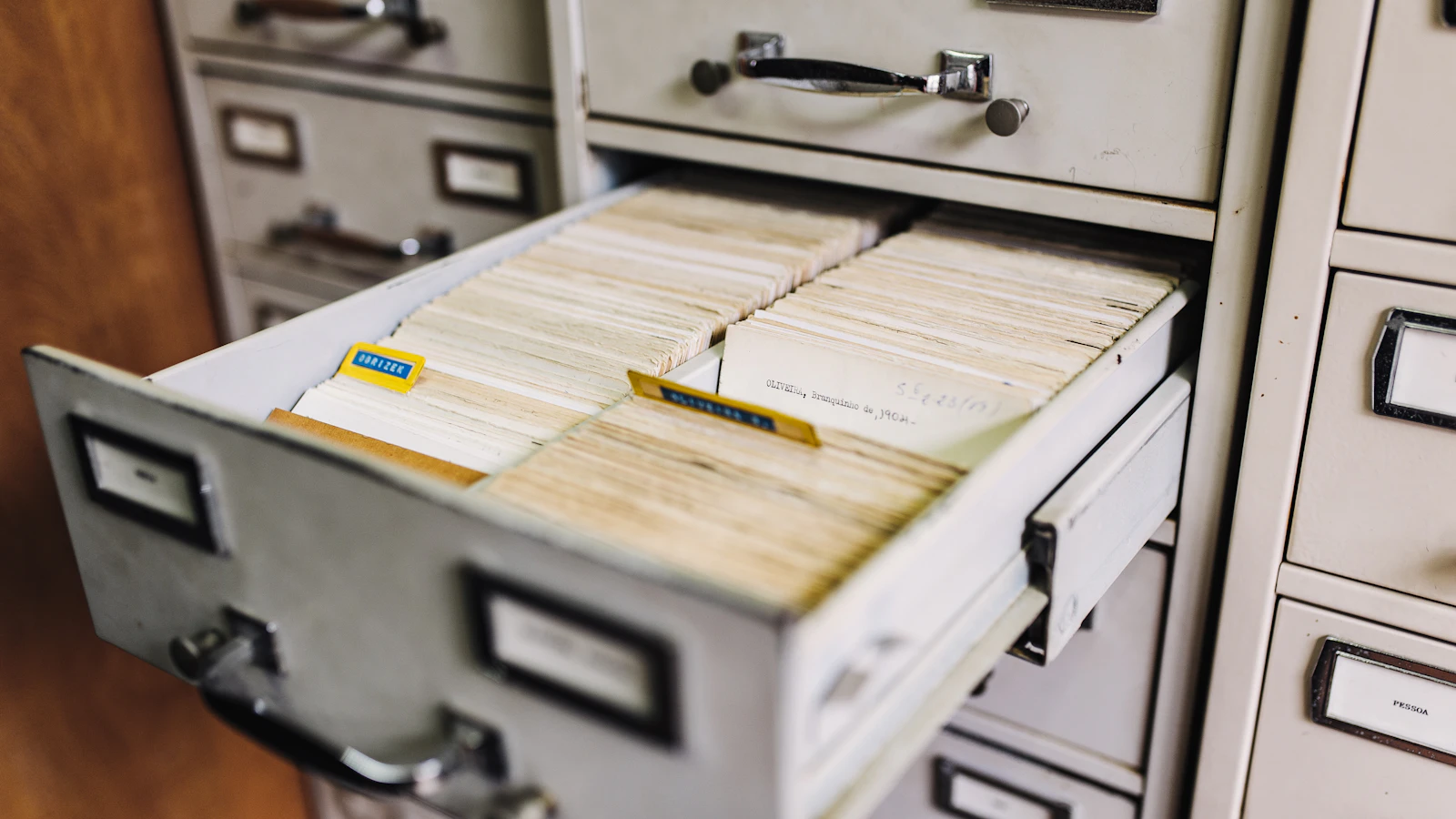
A ZIP is not filing evidence
A ZIP proves only that files were bundled. Without transmission and a response from the official channel it proves neither receipt, acceptance nor filing time. Retain the receipt separately and connect its reference to the export period.
4. Hand off to the accountant without breaking the trail
Agree on naming, dates, company, establishment, series, sender, recipient and anomaly deadline before the first month. Avoid scattering attachments across several chats. Use an approved channel for customer data and encrypt transport when policy requires it.
The accountant should confirm an intact ZIP, XML count, invoice and credit-note counts, gaps and sampled hashes, then state the next action. Accounting import, retention and administrative filing are three separate activities; a successful hand-off does not imply the other two.
Keep a minimal log: filename, ZIP hash, range, sender, recipient, date, channel and response. It identifies the exact copy delivered if the package circulates or a replacement is made.
5. How BelloPOS export works
BelloPOS Go and Pro locally seal every issued invoice and every Pro credit note in the electronic outbox. A document action exports its UBL 2.1 XML. DGI Compliance exports a range as ZIP with sealed XML and CSV. An empty range produces no misleading archive.
| Feature | What BelloPOS does | Remaining responsibility |
|---|---|---|
| Individual XML | Writes the document’s sealed content | Inspect and deliver the correct item |
| Period ZIP | Bundles seals between two dates | Validate scope and series |
| Manifest | Lists files, types, dates, states and hashes | Reconcile and document mismatches |
| Offline work | Needs no internet to issue or export | Transmit later through the available channel |
| DGI connection | No active direct submission | File and retain official receipt |
Export prefers the XML preserved at issue time, so new shop details cannot silently rewrite an old invoice. That stability supports ten-year retention, provided backups and restore tests are organized.
Mistakes to avoid
- Exporting a period without stating its boundaries.
- Confusing a local state with administrative acceptance.
- Renaming or editing XML inside ZIP.
- Sending CSV without its files.
- Never recalculating a fingerprint.
- Creating final, final2 and corrected packages without a log.
- Using an unapproved channel for customer data.
- Deleting the local copy after accountant hand-off.
Frequently asked questions
Can I export one invoice?
Yes. BelloPOS exports UBL XML for an identified invoice or credit note. Retain its readable version and reference too.
What is in a period ZIP?
Every sealed XML in the dates plus CSV with number, type, date, state, filename and SHA-256.
Does the manifest replace XML?
No. It is an index and reconciliation aid. Detailed data remains inside each XML.
How do I verify a hash?
Recalculate SHA-256 over the exact file with a trusted tool and compare the complete string. Stop the hand-off on any mismatch.
Is ZIP sent automatically to DGI?
No. BelloPOS creates it locally. The merchant or accountant uses the available official channel and retains the receipt.
Should exports be retained after filing?
Yes. CGI 2026 Article 211 provides ten-year retention for the covered invoices, receipts, evidence and accounting records. Organize your archive with your adviser.
What to take away
A reliable export is a chain: stated scope, sealed XML, reconciled manifest, checked hashes, traced hand-off and retained receipt. ZIP makes the work manageable but replaces none of those responsibilities.
Sources
The figures and rules quoted above come from these pages, read on the date given in the article.
- Official Universal Business Language 2.1 specification, OASIS
- Moroccan General Tax Code 2026, DGI, read 29 August 2026
- BelloPOS electronic invoicing and UBL export, read 29 August 2026
- BelloPOS Lite, Go and Pro pricing, read 29 August 2026
Build your first period package
Test BelloPOS Go on one day, open the manifest, verify two fingerprints and have your accountant approve the package before the first live month.
Read next
Other practical guides on the same subject: