
Choosing a cash register is a purchase you make once and live with for years. The trouble is that it is usually done in the wrong order: people look at prices before defining the need. This guide puts it back in order, in plain language, with the questions that actually matter.
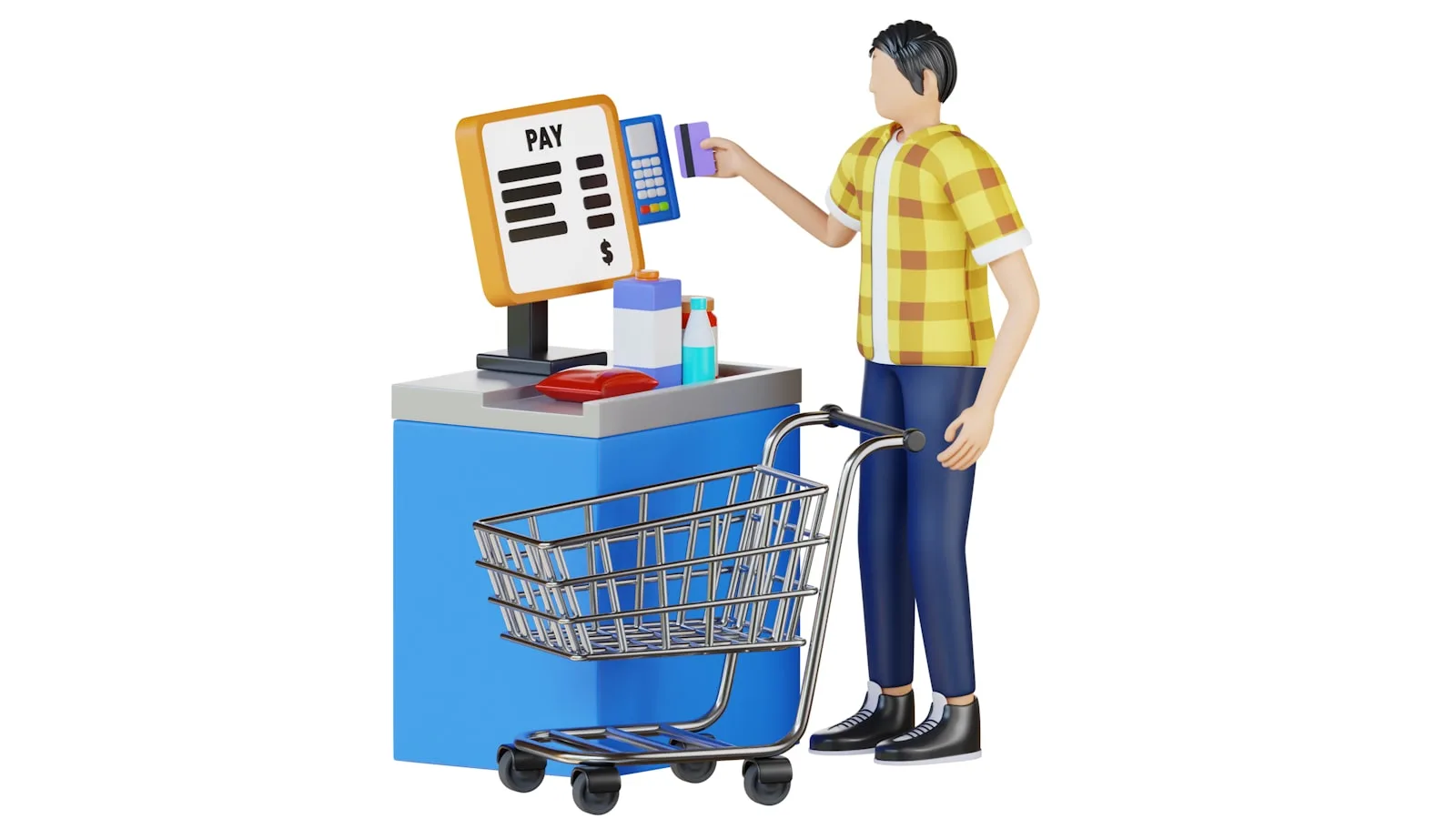
In short
- Start by counting your product lines and your daily receipts. Those two numbers decide nearly everything else.
- Compare the five-year cost, not the monthly price. A modest subscription often overtakes a licence bought once.
- Check what happens with no internet. In Morocco, a till that stops when the connection drops is a genuine revenue risk.
- Buy hardware in this order: PC, receipt printer, barcode scanner. The rest can wait.
- Test before you pay. A serious POS lets you try it with your own products, not just watch a sales demo.
First, what are we actually talking about?
Three different things get called a “till” by salespeople, and confusing them is the number one cause of a bad purchase. Let us separate them.
| What gets called a till | What it really is | What it is for |
|---|---|---|
| The classic cash register | A standalone box with a small screen, a keypad and a paper roll. | It adds up and prints a receipt. It does not know your products, does not track your stock and will never tell you what sells best. |
| POS software | A program running on a PC or tablet, holding your products, prices, customers and stock in a database. | This is the heart of the system: take payment, decrement stock, produce reports. It is what “point of sale system” means. |
| The card terminal | The payment terminal supplied by a bank or a payment provider. | It takes card payments. It is not a till: it knows neither your products nor your stock, it moves money. |
The confusion that costs the most
Plenty of shopkeepers buy a cheap classic cash register, then discover six months later that they have no way of knowing how much of each product is left on the shelf. At that point everything has to be bought again. If you sell more than about twenty different lines, go straight to software.
The seven questions to ask before choosing
Answer these seven questions on paper before contacting a single vendor. You will then know exactly what to ask for, and you will not be led by a demo.
- How many product lines do you sell?: Under 20 products, almost any tool will do. Between 100 and a few thousand, you need categories, fast search and barcodes. Above that, the quality of the stock management becomes the first criterion, ahead of how pretty the screen is.
- How many receipts do you issue per day?: A salon serving fifteen clients a day does not have the needs of a mini-market doing three hundred. At high volume, checkout speed and barcode scanning matter more than every feature list combined.
- What happens when the internet drops?: Ask it in exactly those words, and insist on a clear answer. Some tills stop dead, some carry on in a degraded mode, some do not depend on the connection at all. This is the most important point on the list in Morocco, and the one most often dodged.
- How many people will use it?: As soon as you have staff, you need an account per person and real permissions: who can void a line, give a discount, open the drawer, see the day’s takings. Without that you will never find out where cash differences come from.
- Do you need to track supplier purchases?: If you want to know your real margin and not just your revenue, the till has to record goods coming in and what they cost. Many entry-level tools do not.
- Will you have several tills or several shops?: Two tills in one shop is a local network question. Two shops in two cities is an entirely different and far more expensive question. Do not pay today for a second shop that may never open.
- What happens to your data if you change your mind?: Ask before signing: can I export my products, sales and customers to a readable file, whenever I want, without going through support? A vague answer is an answer.
Offline or online: the question that changes everything
This is the real dividing line, and it shapes the Moroccan market more than price does. A cloud till keeps your data on a remote server: you reach it from anywhere, but you depend on the connection. An offline till keeps everything on the machine in the shop: it always works, but the data lives where it is installed.
Neither is better in the abstract. What matters is what you lose on the day it goes wrong. If your connection is regularly weak, if you are in a souk, a medina or a poorly covered area, a till that needs the internet to take payment will close your queue at the worst possible moment.
That is the choice BelloPOS made: the Lite, Go and Pro editions run entirely on your own machine, with no connection at all. Sales, stock, receipts and reports stay available whatever happens. In exchange, you have to think about backups, which is the normal price of independence.
The one-sentence test
Ask the salesperson: “if I unplug the router right now, can I still make a sale and print a receipt?” If they hesitate, you have your answer.
What a till really costs
A monthly subscription always looks lighter than a purchase. Over the real life of a till, which is measured in years, the arithmetic changes its mind. Here is simply what subscriptions at various levels add up to.
| Monthly subscription | Over 1 year | Over 3 years | Over 5 years |
|---|---|---|---|
| 150 MAD / month | 1,800 MAD | 5,400 MAD | 9,000 MAD |
| 250 MAD / month | 3,000 MAD | 9,000 MAD | 15,000 MAD |
| 400 MAD / month | 4,800 MAD | 14,400 MAD | 24,000 MAD |
| 600 MAD / month | 7,200 MAD | 21,600 MAD | 36,000 MAD |
This table is not aimed at anyone: it is multiplication. But it shows why the question is not “how much per month” but “how much in total if I keep this tool five years, and what happens if I stop paying?”. With a subscription, stopping payment usually means losing access. With a licence you bought, the software stays.
For reference: BelloPOS Lite is free for life, BelloPOS Go is 9,000 MAD as a one-off payment and BelloPOS Pro is 40,000 MAD, also paid once (prices recorded in July 2026). The reasoning holds for any vendor: do the five-year sum before comparing.
Do not forget the costs outside the advertised price either: the hardware, the thermal paper rolls, any paid help with setup, and the time you will spend entering your catalogue in the first week.
Hardware: what you actually need on day one
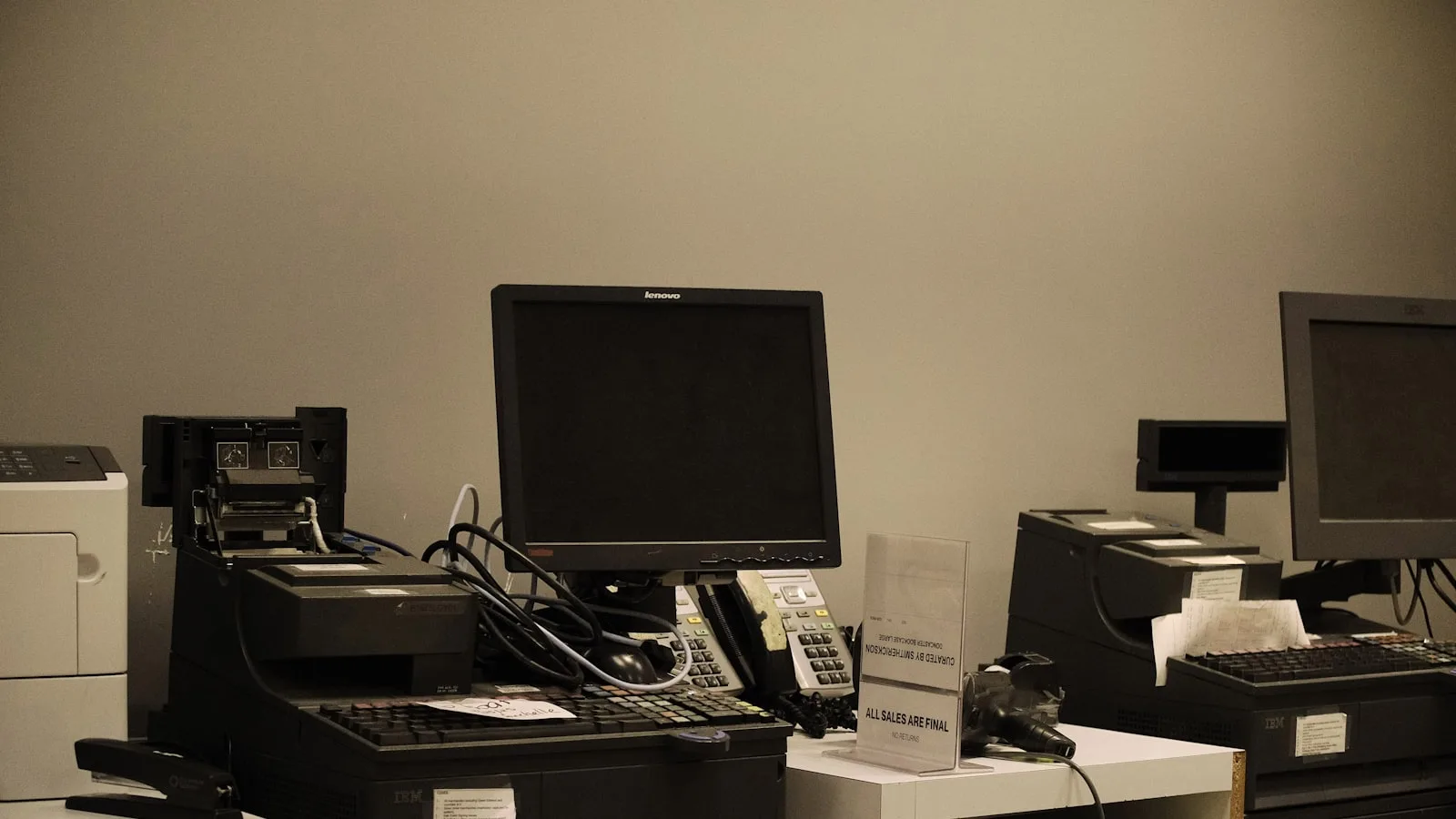
You do not need to buy everything at once. Here is the order in which shopkeepers really equip a counter, and why.
| Hardware | What it does | When to buy it |
|---|---|---|
| A Windows PC | It runs the software. An entry-level machine is plenty for a neighbourhood shop. | Day one |
| An 80 mm thermal printer | It prints receipts. It heats the paper instead of using ink, so rolls are the only consumable. | Day one |
| A USB barcode scanner | You scan, the product joins the basket at the right price. It is the one accessory that saves time on every single sale and removes typing errors. | Once you pass 50 lines |
| A cash drawer | It holds the notes and opens at the end of the sale. It secures the takings and logs each opening. | As soon as you have staff |
| A customer display | A second screen showing the customer what is scanned and the total. It heads off disputes and can show your offers between sales. | When the queue gets long |
| A label printer | It puts a barcode on products that do not have one: loose goods, crafts, imports. | If you sell uncoded goods |
One piece of advice worth money: buy a thermal printer and a barcode scanner that are standard USB compatible. Exotic hardware sold as inseparable from one particular program locks you in, and costs more to replace when it dies on a Saturday.
The mistakes we see most often
- Buying before entering the catalogue. The hard part is not the software, it is getting your products in cleanly. Start with your 50 best sellers, not the 2,000 lines in the stockroom.
- Choosing on the demo. Every till looks good in a demo. Ask to try it with your products, on a Saturday afternoon, in your conditions.
- Skipping staff training. A badly used till produces wrong numbers, which is worse than no numbers. Budget an hour with each person who will use it.
- Never taking a backup. Whether your data is local or remote, check where the copy is and how old it is. Hard drives die without warning.
- Paying for features you will not use. Loyalty schemes, multi-store and restaurant modules are excellent when you need them. Paid for in advance “just in case”, they are dead money.
How to test it in 30 minutes before committing
If a vendor lets you try the tool, do exactly this. It is short and it reveals almost everything.
- Create five of your real products, with their real prices and VAT.
- Ring up a three-item sale with a discount, and print the receipt.
- Void a line mid-sale, then void the whole receipt. Watch whether the tool asks for a password.
- Take payment in cash with change due, then by card, then split across two methods.
- Cut the internet connection and ring up another sale.
- Open the day’s report and check your five sales are there, at the right amounts.
- Find the export button and try to get your products out into a file.
If all seven steps pass without calling support, the tool is solid. If you get stuck on the fifth or the seventh, you now know what to negotiate before signing.
Which level for which business
To place yourself quickly, here is how we suggest thinking about it. The names are our own editions, but the progression holds with any vendor.
- You are starting out, or trying computerisation: Take a free and complete tool rather than a time-limited trial. BelloPOS Lite handles sales, stock, receipts and barcode scanning for up to three users, at no cost.
- You have staff and want to control permissions: You need unlimited users, detailed roles and permissions, and invoice export. That is the BelloPOS Go level.
- You are an established store, or a restaurant: Here it is user activity reports, the analytics dashboard, networked terminals, the kitchen display and the table plan that make the difference. That is the BelloPOS Pro level.
Frequently asked questions
What is the difference between a cash register and POS software?
A classic cash register is a standalone box that adds up and prints a receipt. POS software runs on a PC or tablet and holds your products, prices, stock and customers. The second tracks your business, the first just takes the money. Once you sell more than about twenty lines, software becomes the obvious choice.
Do I need a touchscreen till?
Touch saves time when you sell many items at the same price, as in a café or a bakery, because you tap a product grid. If you scan barcodes all day, an ordinary screen with a scanner does the job just as well for less. It is a question of use, not of quality.
Can you get a free cash register system in Morocco?
Yes, and not only as a trial. Some solutions offer a permanently free licence with the core functions: BelloPOS Lite is free for life and runs offline. You pay for the hardware, not the software. The usual limits of a free tier are the number of users and the advanced reports.
How much does a cash register cost in Morocco?
It depends mostly on the business model. A licence bought once is amortised, a subscription accumulates: at 250 MAD a month you are at 15,000 MAD after five years. Add hardware, meaning a PC, a thermal printer and a barcode scanner. Always do the five-year sum before comparing two offers.
Does my till need to work without internet?
If your connection is not perfectly reliable, yes. A till that requires the internet to record a sale blocks you exactly when the shop is busiest. Check precisely what the tool can do offline: take payment, print, check stock. Some systems, BelloPOS among them, run entirely locally.
How long does it take to get a till running?
The software installs in under an hour. What takes time is entering the catalogue and training people. Allow half a day to be operational on your best sellers, and two to three weeks for a clean full inventory. Start small and fill in as stock comes through.
Is computerised invoicing mandatory in Morocco?
What is mandatory is issuing a compliant document and keeping a copy for ten years. For sales to private customers, a till receipt can stand in for an invoice if it carries the required details. Software is therefore not mandatory in itself, but it is the simplest way to meet that obligation without losing your evenings to it.
What to take away
A good till is the one that matches your volume, keeps working when the connection drops, whose five-year total you know, and whose data you can get out. Everything else, however appealing in a demo, comes after. Spend an hour answering the seven questions and you will buy better than most shopkeepers do.
Try it without paying
BelloPOS Lite is a free lifetime licence: sales, stock, receipts, barcode scanning and up to three users, fully offline on a Windows PC. It is the lowest-risk way to find out whether a computerised till suits you.