
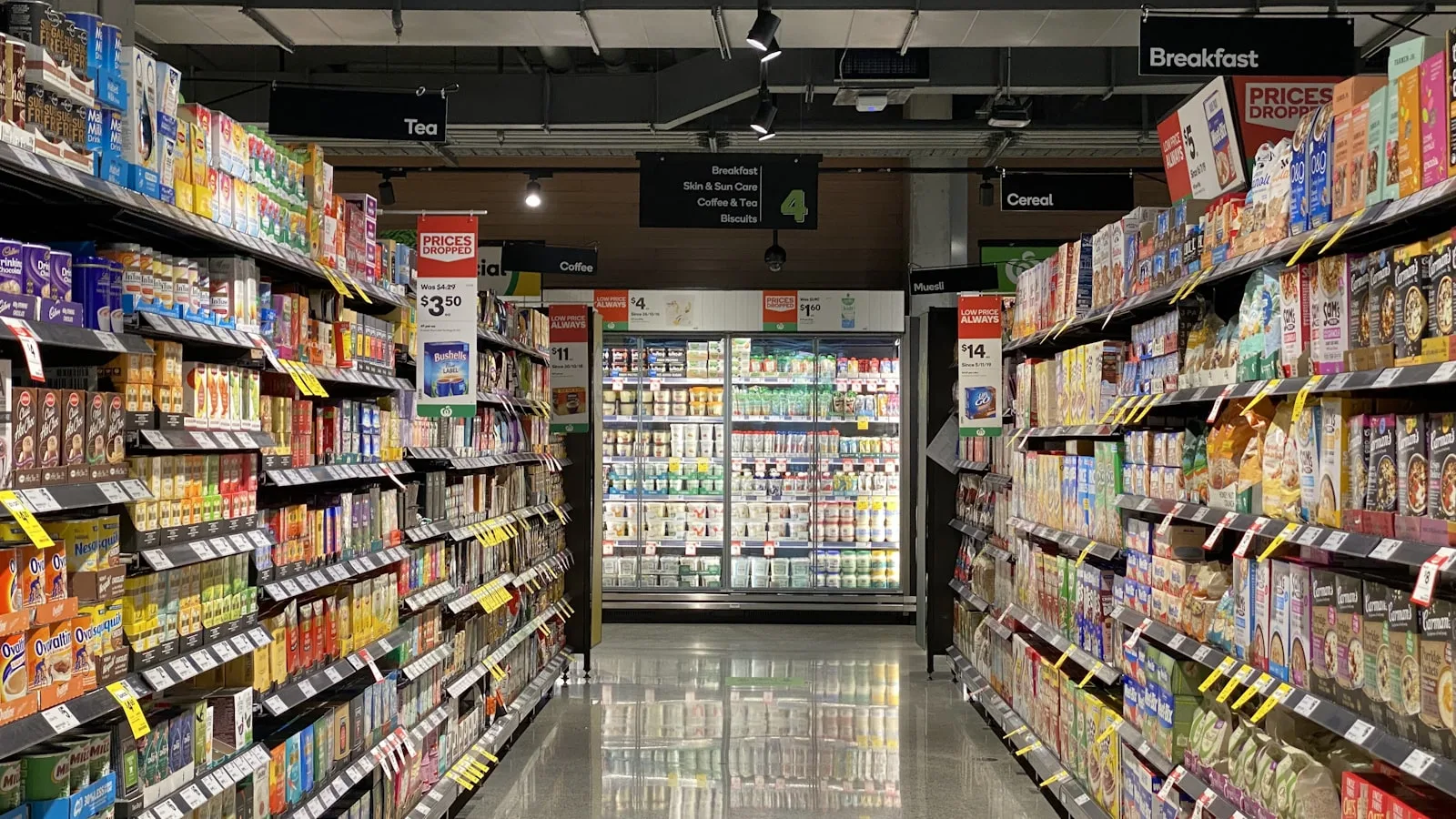
The grocery shop is probably the hardest retail business to computerise. Two thousand product lines, margins of a few dirhams, loose goods with no barcode, expiry dates and a credit book the whole neighbourhood knows about. This guide explains how to get through it, in order, without closing the shop.
In short
- Do not enter all 2,000 lines. Start with the 200 that make most of your sales, the rest will follow on its own.
- The barcode scanner is the best-value purchase a grocery makes: it saves time on every item, on every sale.
- The credit book can move into the till without damaging your relationship with customers. It is often the real reason to switch.
- Loose goods are handled by sale unit, with your own printed labels, rather than by giving up on tracking them.
- Untracked expiry dates throw away your margin. On fresh products, it is the biggest single source of loss.
What makes a grocery hard to computerise
The obstacles are not the same as elsewhere, which is why many grocers try once and go back to the notebook. Here are the real difficulties, and what solves them.
| The difficulty | What solves it |
|---|---|
| A very large number of lines | Gradual entry: a product goes in when you restock it, not across an entire Sunday. Within three weeks most of the catalogue is there. |
| Very thin margins | Tracking purchase prices. On two dirhams of margin, one shelf-label error wipes out the day. The till has to know the cost price, not just the selling price. |
| Loose and weighed goods | Clear sale units and your own barcode labels, printed from the software. |
| Credit given to regulars | A customer record with a balance, inside the till, instead of a notebook nobody but you can read. |
| Expiry dates | An organised rotation and a weekly check of the chilled aisles. That is method more than software, but the till tells you what to check. |
| Staff turnover | An account per person and limited rights. Without them you will never be able to explain a cash difference. |
Barcodes: your first job
In a grocery, the barcode scanner is not a comfort accessory, it is what makes computerising possible at all. Without it you have to find every product in a list, and a fifteen-item sale becomes slower than using a calculator.
The good news: most of what you sell already carries a barcode printed by the manufacturer. Drinks, tins, hygiene products, packets of biscuits. You have nothing to create, you simply scan once to tie the code to the product and the price.
For the rest, bread, eggs sold singly, spices by weight, goods bought in bulk and repacked, you print your own labels. A label printer costs less than a week of losses, and BelloPOS prints barcode labels straight from the app, with the name, price and reference on each one.
The method that actually works
Keep the scanner beside you for two weeks. Every time a customer brings a product the till does not know, you scan it and create it there and then, in ten seconds. After a fortnight your regular sales are covered without a single evening spent on data entry.
The credit book: the real subject
Let us talk about what most guides avoid. In a Moroccan neighbourhood shop, part of the trade is on credit: a neighbour takes bread and a tin of tuna, it goes in the book, and the account is settled at the end of the month when wages land. It is a practice built on trust, it is part of the job, and it is not going away.
The problem is not the credit, it is the notebook. Notebooks get lost, get wet, fill up with crossings-out, and nobody but you can read them. When a customer disputes an amount you have no detail to show them, only a total. And when you want to know what the neighbourhood owes you altogether, you have to add up sixty pages.
A till solves this without changing your relationship with the customer. You create a record per person, you attach the sale to that record instead of taking payment, and the balance updates itself. At any moment you can see who owes what, since when, and for which items.
- Detail instead of a total: When a customer asks what their balance is made of, you show the list of items with dates. The conversation ends in thirty seconds with nobody offended.
- The neighbourhood total in one figure: You know how much money is asleep in receivables. It is often a revelation, and it is cash you are short of.
- Partial payments accepted: The customer pays what they can, the rest waits. The balance follows on its own, with no mental arithmetic.
- A record if there is any doubt: Neither you nor the customer depends on your memory any more. That is what protects the relationship, not what damages it.
Good news on this specific point: customer balances and per-customer history are part of BelloPOS Lite, the free edition. You do not need to pay for a separate app to replace your notebook.
Loose goods, weighed items and products with no code
Olives, spices, pulses, dried fruit, detergent by the litre: a significant share of a grocery’s takings, and the thing that most often puts people off computerising.
The answer is to think in sale units rather than abstract products. You do not sell “olives”, you sell a 250 gram bag at a given price, or a 500 gram bag. Create those units as products in their own right, print a label for each, and the till treats them like any other scanned item.
For goods weighed to order, two approaches work: either you pre-pack in standard portions each morning, which also speeds up service, or you key the amount by hand on a dedicated line. Pre-packing is almost always the better choice: it saves time at the till, cuts weighing errors and makes real stock tracking possible.
Expiry dates: where your margin goes
On fresh and semi-fresh products, what you throw away comes straight out of your profit. An expired yoghurt is not a missed sale, it is a clean loss: you paid for the goods and you will never sell them.
The basic rule is first in, first out: new stock goes to the back of the shelf, older stock to the front. It sounds obvious, and it is still the most common mistake when shelves are filled in a hurry on a delivery day.
- Fix a set day and time each week for the date check. Tuesday morning, for example, before it gets busy.
- Check shelf by shelf, always in the same order, so nothing gets skipped.
- Pull anything expiring within seven days and group it on a promotion table, with a real and visible discount.
- Write down what you throw away, even roughly. Without that figure you will never know whether the problem is ordering or shelf rotation.
- After a month, look at your sales reports and cut the order on the lines that keep turning up in the waste.
Restocking without overstocking
Overstocking is the classic grocery trap: the wholesaler offers a discount on twelve cases, you accept, and your money sleeps in the back room for three months while you run out of something else.
A till that tracks sales gives you the one piece of information that matters for the decision: how fast each line moves. A product selling three a day with ten left on the shelf gives you three days. A product selling one a week has no business being ordered by the case of twenty-four.
Look at your reports once a week, before placing the order rather than after. The best-sellers report and the purchases report tell you in a few minutes what instinct takes months to learn. It is also the basis of a serious negotiation with a supplier: you know what you actually shift.
Cash differences
When several people work the counter, differences happen. Most often they are change-giving errors or sales not rung up in the rush, not dishonesty. But with no record you can neither correct nor reassure.
- An account per person: Every sale carries the name of whoever made it. That is not surveillance, it is what lets you say “it was not you” when something is missing.
- Limited rights: Not everyone needs to be able to void a receipt, change a price or open the drawer outside a sale.
- Counting at a fixed time: Count the drawer at the same moment every day, at closing, and compare it with the software total. A difference found the same day can be explained; one found a month later never is.
- Voids with a reason: A void should ask for a reason. It is the most informative line in your end-of-day report.
Where to start, week by week
- Week 1: install the software, plug in the barcode scanner and create your 50 best sellers by scanning them.
- Week 2: create products as sales happen. Any unknown item takes ten seconds to create at the moment a customer brings it up.
- Week 3: move your credit customers into customer records, carrying over the balances from the notebook. Keep the notebook running alongside for a month.
- Week 4: start entering purchase prices as deliveries arrive, so you can see your real margins.
- Week 5: print your labels for loose goods and products without barcodes.
- Week 6: do your first stock count aisle by aisle, and use the reports to prepare the next order.
Six weeks, a few minutes a day, without ever closing the shop and without a single evening of data entry. That is the pace that lasts, and the one that fails least often.
Frequently asked questions
Which POS should I choose for a grocery shop in Morocco?
One that handles a large number of lines with barcodes, tracks purchase prices so it can show you margin, keeps customer balances to replace the credit book, and works without internet. Those four points cover the core of the trade. How pretty the interface is comes a long way behind.
Do I really have to enter all my products?
No, and thinking you do is what makes people give up. Create your 50 best sellers on day one, then add each product at the moment a customer brings it to the counter. In two or three weeks you will cover almost all your regular sales, without a single evening spent on it.
How do I manage credit for neighbourhood customers?
By creating a record per customer in the till and attaching the sale to that record instead of taking payment. The balance updates itself and you can show the itemised detail whenever you are asked. Customer balances are included in BelloPOS Lite, the free edition, so trying it costs nothing.
How do I sell loose goods with a till?
The simplest way is to pre-pack standard portions in the morning and print a barcode label for each size. A 250 g bag becomes a product like any other, scanned and deducted from stock. It is faster at the counter and it makes stock tracking possible, which weighing to order really does not.
Can a till tell me what I actually earn?
Only if you enter your purchase prices. Without them the till knows your revenue but not your margin, which is not much use in a trade where you make a few dirhams an item. Get into the habit of entering prices at each delivery: five minutes that change what you can see.
How much does a POS cost for a mini-market?
The software can be free: BelloPOS Lite is a free lifetime licence covering sales, stock, barcodes and customer balances for up to three users. The real budget is hardware, meaning a PC, a thermal printer, a barcode scanner and, if you sell loose goods, a label printer.
What happens if I lose my computer?
That is the right question to ask about any local software, and the answer is one word: backups. Get into the habit of copying your database to a USB stick on a fixed schedule, every Sunday evening for instance, and keep the stick somewhere other than the cash drawer.
What to take away
A grocery is not computerised over a weekend, it is computerised over six weeks, a little each day. Start with the barcode scanner and your best sellers, then move the credit book into customer records, then your purchase prices. By that point you will finally know what you earn, line by line, and you will order on figures instead of on a feeling.
Start for free
BelloPOS Lite covers what a grocery needs to get going: barcode scanning, stock tracking, label printing, customer balances and receipts, for up to three users. A free lifetime licence, fully offline.