
A restaurant till is nothing like a shop till. In a shop, the customer brings the product to the counter and pays. In a restaurant, the order is taken in one place, cooked in another, served in a third, changed along the way and paid in several parts. Here is what to actually demand from a restaurant POS system, and in what order to set it up.
In short
- The table plan and sending orders to the kitchen are the two functions that separate a real restaurant POS from shop software.
- A kitchen display replaces the paper docket and removes lost orders, forgotten dishes and arguments between the floor and the kitchen.
- Split bills are not a detail: a till that cannot divide a bill will cost you five minutes on every large table.
- Without food cost, you are flying blind. Revenue tells you nothing about margin in hospitality.
- Check the offline behaviour before anything else. A lunch service cannot stop because the fibre was cut.
What a restaurant needs and a shop never does
If you have already looked at general POS software, you will have seen features that are no use to you, and searched in vain for the ones you are missing. Here is what is specific to hospitality.
| Need | Why it is specific to restaurants |
|---|---|
| An order that stays open over time | In a shop, a sale lasts thirty seconds. At a table it stays open for an hour and a half, with lines added as you go. |
| A table plan | You need to know which table is occupied, since when, what it ordered and who is serving it. A receipt number does not cover that. |
| Routing to the kitchen and the bar | One order splits up: drinks to the bar, mains to the kitchen, desserts later. That is the till’s job, not the waiter’s. |
| Splitting the bill | Into equal shares, or by item, or part on card and the rest in cash. Daily in hospitality and almost unknown in retail. |
| Modifiers and extras | No onions, medium rare, extra cheese, child portion. A retail product has no options, a dish always does. |
| Moving a table | Customers change seats, two tables merge. The order has to follow without being typed again. |
| Food cost | In hospitality, margin is decided by what a recipe costs to make, not by the purchase price of an item resold as is. |
The journey of an order, from table to bill
Here is what should happen, step by step, in a properly equipped restaurant. If any of these steps still needs paper or shouting between the floor and the pass, that is where you are losing time and money.
- The waiter opens the table on the plan and takes the order, on the till or on a phone.
- The till routes it automatically: drinks appear at the bar, starters and mains in the kitchen.
- The kitchen sees the order land on a screen, with the time and the table. It moves the line to preparing, then to ready.
- The waiter sees the dish is ready and takes it out without having to come and ask.
- An extra is added mid-meal: it goes straight to the right station.
- When the bill is asked for, the till offers the full total, or a split.
- Payment is taken, possibly across several methods, and the table clears on the plan.
- In the evening, the report gives takings by service, by waiter and by dish.
The table plan: the feature you miss once it is gone
The table plan is your restaurant drawn on screen: the main room, the terrace, the upstairs. Each table carries its state, free or occupied, with its running total.
Its usefulness is not decorative. It tells you at a glance how many covers are in progress, which table has been waiting too long, and which waiter has it. On the Friday night when you have two people on the floor, this view is what stops a table being forgotten.
A good table plan must allow three things at minimum: moving an order from one table to another, merging two tables, and changing the assigned waiter mid-service. Check those three in the demo, they are often missing from entry-level editions.
The kitchen display: why paper is no longer enough
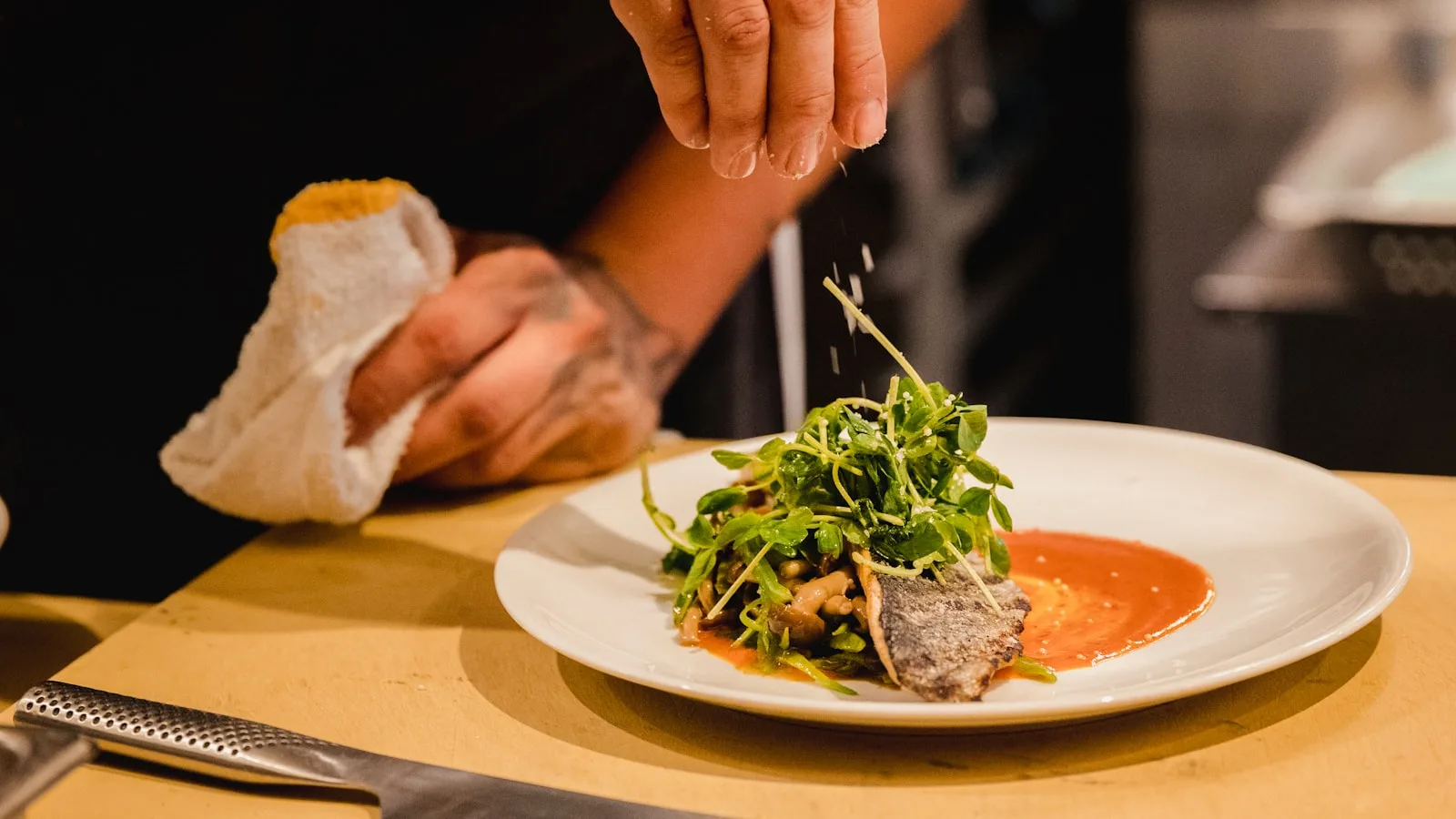
The docket printed at the pass works, right up until it falls on the floor, the printer runs out of paper, or two orders look alike. A kitchen display screen shows live orders with their arrival time and their state.
What that changes during service: the kitchen sees how long each table has been waiting and can prioritise. Dishes move from new to preparing to ready, and the floor sees it without walking over to ask. Orders do not go missing, and nobody hunts for a docket under the worktop.
On hardware, a kitchen display does not need heavy investment: a screen on the wall or a protected tablet is enough. In BelloPOS Pro, the kitchen and waiter apps open in a browser on the shop’s own network by scanning a QR code: a waiter’s phone becomes an order pad, with no app to install and no internet involved.
The detail that makes the difference
Ask whether the kitchen display shows the time each line was sent, not just a list of dishes. Without elapsed time, a kitchen screen is only a bigger docket, and it will not help you hold the pace on a Saturday night.
Split bills, discounts and service mistakes
This is the moment of truth in a service, and where a bad till costs the most. A table of eight wanting to pay separately can block your payment point for a quarter of an hour if the software cannot divide a bill.
- Splitting into shares: Dividing the total into equal parts. The most common case among friends, and the simplest to handle.
- Splitting by item: Everyone pays for what they had. Essential as soon as you take business lunches or groups.
- Mixed payment: Part on card, the rest in cash, on the same bill. Very common in Morocco, and sometimes missing from foreign software.
- Traced voids: A dish sent back, a keying error, a goodwill gesture. Every void should carry a reason and the name of whoever made it, or your cash differences will stay unexplained.
- Controlled discounts: A waiter should not be able to give 50% without approval. Discount control by role is a management function, not a luxury.
Food cost: where your margin is decided
In hospitality, revenue tells you almost nothing. Two restaurants taking the same money can end the year in opposite places, because one knows what its dishes cost to make and the other does not.
The principle is simple, even if it takes work up front: you record supplier purchases with their prices, and you know what each product costs you. A till that tracks purchases gives you real gross margin, day by day, instead of an estimate at month end.
Start with your ten best-selling dishes. They make up most of your volume, and it is common to find that the house speciality is also the least profitable thing on the menu. That single insight is worth the time spent entering purchase prices.
Restaurant hardware
A restaurant equips itself differently from a shop. Here is what is genuinely useful, and when.
| Hardware | Where and why | Priority |
|---|---|---|
| A main till station | At the counter or the pay point. It takes payment and holds the database. | Essential |
| A receipt printer at the counter | For the customer’s bill and the end-of-service report. | Essential |
| A kitchen printer, or a screen | To receive orders at the pass. A screen beats a printer comfortably once volume rises. | Strongly advised |
| A bar printer | If you have a separate bar, drinks orders should land there directly. | Depends on layout |
| Phones or tablets for the floor | Taking the order at the table removes walking back and forth and forgotten items. On a local network, a plain browser is enough. | From two waiters up |
| A reliable local network | This is the genuinely critical piece: a decent router and, where possible, cable to the kitchen. Wi-Fi alone in a hot, humid area often disappoints. | Essential |
Note carefully: a local network is not the same thing as the internet. Your stations can talk to each other with no outside connection at all. That is how the networked terminals in BelloPOS Pro work, with a main station serving the database to the restaurant’s other tills without going near the web.
Traditional restaurant, café, fast food: what changes
- The traditional restaurant: Table service, long orders, split bills. The table plan and kitchen routing are your two absolute priorities.
- The café and coffee shop: Many receipts, small amounts, fast service. Here it is checkout speed that counts: a well-organised product grid beats every table-service feature.
- Fast food and takeaway: A queue, orders paid up front, immediate preparation. The kitchen display and the order-number screen become central, the table plan far less so.
- The bakery with a seating area: Two trades in one: counter sales by weight or by piece, and table service. You need both modes on the same till, without juggling two programs.
- Caterers and institutional catering: Orders placed in advance, large volumes, invoicing to businesses. Customer tracking and invoice export matter more here than the table plan.
The mistakes we see most often
- Installing the till on a Friday. Switch systems early in the week, on a quiet service, with the old method still available as a fallback.
- Entering the whole menu at once. Start with the dishes that make 80% of your sales. The rest can be added over the following weeks.
- Forgetting modifiers and cooking preferences. A menu entered without options forces waiters to type free-text notes, and the kitchen does not always read them.
- Giving everyone the same rights. Without roles, anyone can void a line or grant a discount, and your figures stop meaning anything.
- Relying on Wi-Fi alone between floor and kitchen. The kitchen is the most hostile place in the building for a signal. Cable what can be cabled.
- Not training the evening team. They are often the busiest team and the one that saw the trainer least. Run a session for each brigade.
How to go live in a week
- Day 1: install the software on the main station and enter your twenty best-selling dishes, with their modifiers.
- Day 2: draw your table plan, with the real tables and real zone names. Your waiters should recognise it instantly.
- Day 3: connect the kitchen printer or screen, and run ten dummy orders end to end.
- Day 4: create an account per person with the right permissions. Decide who can void and who can discount.
- Day 5: train the lunch brigade, then the evening brigade, separately, an hour each.
- Day 6: run one full service both ways, old and new, and compare the totals.
- Day 7: switch over for good, and keep the paper pad in a drawer for another week.
Frequently asked questions
Which POS system should I choose for a restaurant in Morocco?
One that handles a table plan, routes orders to the kitchen and bar, can split a bill and keeps working without internet. Those four points rule out most general retail software. Add purchase tracking if you want to know your real margin.
Is a kitchen display really useful, or is a printer enough?
Below about twenty covers a service, a printer at the pass does the job. Above that, a screen is clearly better: it shows how long each table has waited, lets you prioritise and removes lost dockets. It is also cheaper to run, since there are no more rolls to buy.
Can waiters take orders on a phone without buying terminals?
Yes, if your till offers a web app on the local network. Waiters open a page in the browser on their own phone and take the order. That is how the waiter and kitchen apps in BelloPOS Pro work, reachable by QR code on the restaurant’s network, with no internet and nothing to install.
Does my till need to work without an internet connection?
In a restaurant this is close to non-negotiable. A lunch service cannot stop because the line is down, and an order lost on the floor is never recovered. Check that order taking, kitchen routing and payment all three work offline, not just one of them.
How do I handle split bills?
A restaurant till should offer at minimum splitting into equal shares and splitting by item, and accept several payment methods on the same bill. Test it in the demo with a table of six: within seconds you will see whether the software was designed for hospitality or adapted from a shop program.
How long does it take to equip a restaurant?
Allow a week to be genuinely comfortable, including a day for the menu, a day for the table plan and two training sessions. The technical install itself takes a few hours. The limiting factor is never the software, it is entering the menu and the team getting used to it.
Do I need a touchscreen till for a restaurant?
Yes, this is the case where touch genuinely wins. You cannot scan a tagine: dishes are picked from a grid, and tapping a screen is faster than hunting on a keyboard. A grid organised by category saves several seconds on every order.
What to take away
A restaurant till is judged during the rush, not in a demo. The four things to check without fail are the table plan, kitchen routing, bill splitting and offline behaviour. If those four are solid, the rest can be learned. If one is missing, you will pay for it every Saturday night.
BelloPOS Pro for hospitality
Restaurant module, table plan, kitchen display, waiter and kitchen apps by QR code on your own network, networked terminals and an analytics dashboard: all on a single licence, with no subscription, and no dependence on the internet.