
Running a shop in Tangier and finally want a computerised till without paying a subscription? It is doable. This guide explains in plain terms which free POS software to choose, what hardware you need, and what each tool is actually for. No technical background required.

In short
- Starting out and want free software that works without internet → BelloPOS Lite.
- Growing and want to run everything (stock, purchasing, accounting) → Odoo POS, which we recommend highly.
- Working on a tablet or on the move → Loyverse.
- An established store that wants analytics and support → BelloPOS Pro.
Retail in Tangier: what actually matters
Tangier has changed face with the Tanger Med port and its free zones. Around the Grand Socco and Petit Socco, retail stays traditional; in the newer districts and near the industrial zones it serves a growing salaried population.
Proximity to Spain adds a wrinkle: many shops handle imported product references and passing customers, which makes stock tracking and barcode scanning more useful here than elsewhere.
The hardware you need (and what each piece does)
Before software, let’s talk hardware. Here is what actually sits on a counter, and why. You do not need to buy all of it on day one.
| Tool | What it does | How necessary |
|---|---|---|
| A Windows PC | It runs the POS software. An entry-level PC is plenty for a neighbourhood shop. | Essential |
| An 80 mm thermal printer | It prints receipts. It heats the paper instead of using ink, so rolls are your only consumable. | Essential |
| A USB barcode scanner | You scan the product and it lands in the basket at the right price. It removes typing mistakes and saves a lot of time at the till. | Strongly advised |
| A cash drawer | It holds the cash and opens at the end of a sale. It secures the takings instead of keeping money in a box. | Advised |
| A label printer | It puts a barcode on products that have none (loose goods, crafts, imports). Without it you look items up by hand. | Optional |
| A second screen | It shows the customer what is being scanned and the total. It builds trust and can show your promotions between sales. | Optional |
| A UPS (battery backup) | When the power cuts, your PC stays on long enough to finish the sale and shut down cleanly. | Advised in Morocco |
How we compared them
in Tangier, as anywhere in Morocco, a till has to keep taking money when the internet drops. So our criteria are very practical:
- Does it really work offline? : sell, print and update stock with no connection.
- Free for how long? : a real free licence, not a 14-day trial.
- Is inventory included? : stock, categories and barcodes without paying for an extra module.
- Languages : interface and receipts in French, Arabic and English.
- Hardware cost : is an ordinary PC enough, or do you need special equipment?
1. BelloPOS Lite, the best way to start for free
BelloPOS Lite is software you install on your PC like any other program. The licence is free for life: no subscription, no expiry date.
Its big advantage: it runs fully offline. Everything is saved on your computer. If the ADSL drops or your data runs out, you keep selling normally. It is also the only one of the three built for Morocco from the start, with interface and receipts in Arabic, French and English.
Barcode scanning and label printing, both in the free version, help manage a catalogue of imported items.
What you get without paying
- Sales, refunds and stock 100% offline
- Inventory management by product and category
- Barcode scanning and label printing
- Receipt printing and printer setup
- Customer-facing second screen, customer accounts and balances (tabs)
- Sales history and product catalogue
- Up to 3 users
What the free version lacks
To be clear: the Lite version shows a watermark on screen, stops at 3 users, and does not let you fine-tune each person’s permissions or export invoices. For a shop starting out, none of that blocks you. If it starts to, BelloPOS Go lifts those limits for a one-off 9,000 DH, not a subscription.
2. Odoo POS, our recommendation if you are thinking bigger
Odoo genuinely deserves your attention. It is an open-source business system (its code is public and free) that contains far more than a till: multi-warehouse stock, purchasing and suppliers, accounting, sales, customers, even an e-commerce site.
You can use it free two ways: the Community edition, which you install on your own server, or Odoo’s online offer, which allows one app for free : and that app can be the point of sale. Once the till is open in the browser, it keeps working even if the connection drops.
Who it is excellent for: a growing business, several outlets, a warehouse to manage, or a need to connect the till to the accounts. Odoo saves you from running three systems that do not talk to each other. It is a real investment of time, but it pays off as soon as your operation gets more complex.
What to know: installation and configuration need technical help, and the free tier ends if you switch on a second app. Plenty of Odoo integrators work in Morocco; budget for that support.
3. Loyverse, the simplest on a tablet
Loyverse is a free app for Android and iOS, widely used by cafés and small shops. The free plan covers sales, the product catalogue, a loyalty card and simple reports. Administration happens in a browser.
What to know: Loyverse runs on a tablet or phone, not on a Windows PC. Sales made offline sync when the connection returns. Advanced inventory and employee management are paid monthly options.
The comparison at a glance
The three tools compared in this guide:


| BelloPOS Lite | Odoo POS | Loyverse | |
|---|---|---|---|
| Price | Free for life | Free (1 app) | Free (paid options) |
| Runs on | Windows PC | Browser / server | Android or iOS tablet |
| Works offline | Yes, 100% | Yes, once the till is open | Yes, then syncs |
| Inventory | Included | Very complete, multi-warehouse | Basic (advanced is paid) |
| Purchasing / suppliers | In Go and Pro | Included | No |
| Accounting | No | Included | No |
| Barcodes | Scan + labels | Scan | Scan |
| Arabic | Interface and receipts | Interface | Interface |
| Time to start | Same day | Budget an integrator | Same day |
For a professional store: BelloPOS Pro
Free is enough to start. But once your store is really running, several staff, suppliers, numbers to watch, you need management tools. That is exactly what BelloPOS Pro covers, for a one-off 40,000 DH, lifetime licence, no subscription.
- Analytics dashboard : your sales, margins and best-moving products on one screen
- Purchase management : record purchases and supplier costs so you know your real margins
- 3 months of priority support by WhatsApp or phone
- Telegram and email reports : get your numbers without opening the software
- Per-user activity reports : who sold, who voided, who gave a discount
- Networked terminals : several tills linked in the same store
- Portable web cashier app : take payment from another device
- Restaurant module : table management and kitchen screen
- Ads on the second screen : your customer display becomes promotional space
- Help loading your first 1,000 products and 100 categories
Our advice: start with BelloPOS Lite for free. When you pass 3 users, or when you want to steer by numbers instead of instinct, move to Pro. Because it is a one-off purchase, you never pay twice for the same tool.
Why offline mode changes everything in Tangier
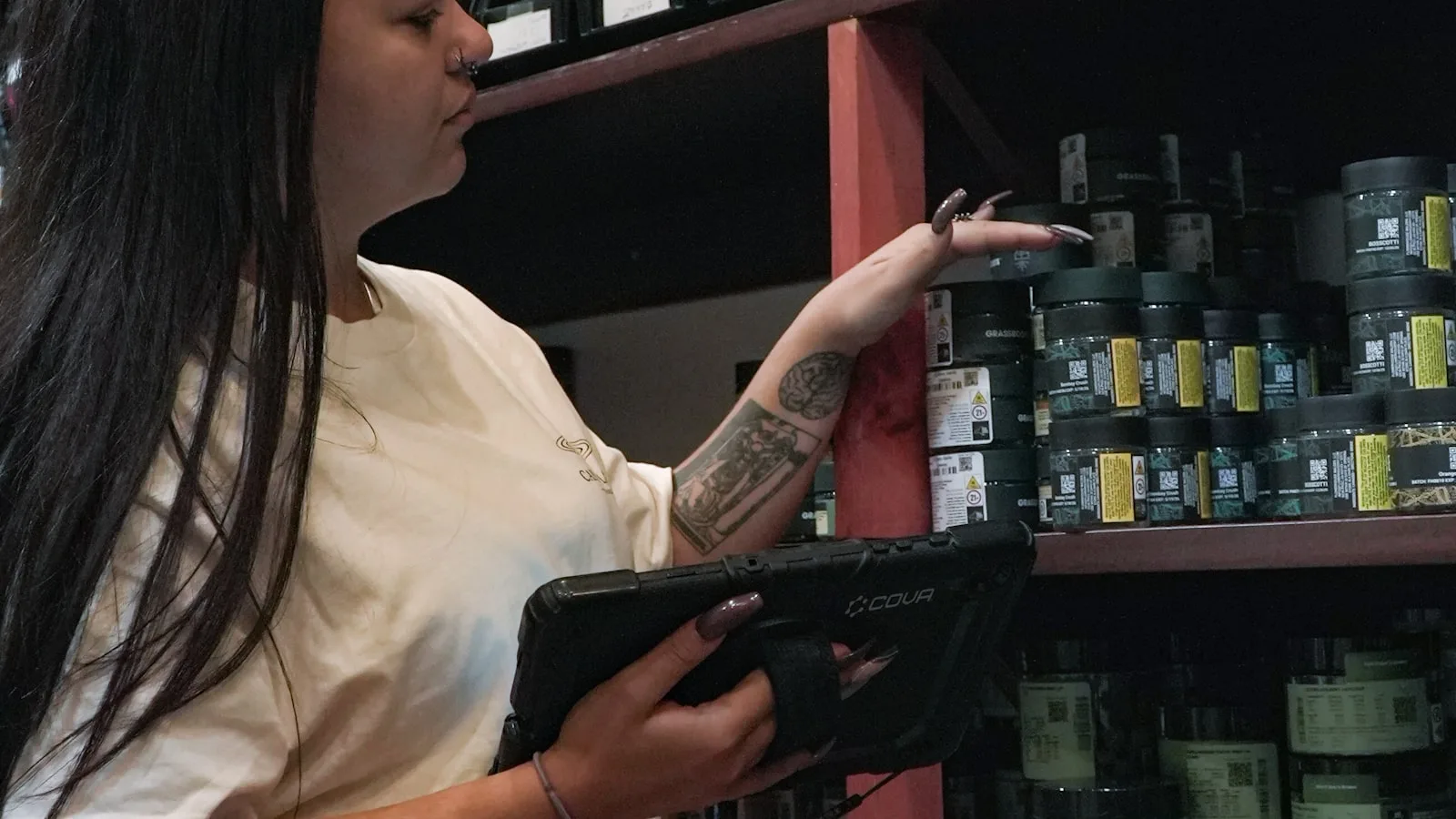
A till that needs the internet stops dead the moment the connection weakens, always at the wrong moment, with a queue in front of you. With an offline point of sale, the data is on your machine: checkout, inventory management and offline inventory keep working. It is the first question to ask any software vendor.
Frequently asked questions
Is there a genuinely free POS in Morocco?
Yes. BelloPOS Lite is a free lifetime licence with no subscription and no time limit. Odoo and Loyverse also have free tiers, with different limits.
How much does the hardware cost to start?
A PC, a thermal printer and a barcode scanner are the minimum. The cash drawer, label printer and second screen can wait.
Can I manage stock without an internet connection?
Yes. That is the whole point of an offline inventory app: movements are recorded on your computer, then viewable and printable with no network.
Should I choose Odoo or BelloPOS?
Both are good choices, for different needs. BelloPOS is simpler, works offline on a PC and starts the same day. Odoo is broader (purchasing, accounting, multi-warehouse) but needs support. Many shops start with BelloPOS and add Odoo as the business grows.
Can I label imported products that have no barcode?
Yes. You can generate and print your own barcodes from the app, which is common for goods imported in bulk.
Our verdict
For a shop in Tangier that wants a dependable till with no subscription, BelloPOS Lite is the best starting point: free for life, fully offline, stock and barcodes included. If your business is growing, Odoo POS is an excellent choice for tying everything together, and BelloPOS Pro brings the analytics, purchasing and support a professional store needs.
The same guide for your city
This article is part of our national guide. National guide: free POS software in Morocco
We publish this comparison city by city:
- Free point of sale in Casablanca
- Free point of sale in Marrakech
- Free point of sale in Rabat
- Free point of sale in Fez
- Free point of sale in Oujda
- Free point of sale in Agadir
Try BelloPOS for free
Install BelloPOS Lite on your PC and ring up your first sale today, no subscription and no connection required.