
The worst time to discover an activity is not authorised is after the lease and fit-out. A company purpose, Trade Register entry or professional-tax registration alone does not guarantee that the premises, opening, works or sector are authorised. Map public decisions before committing.
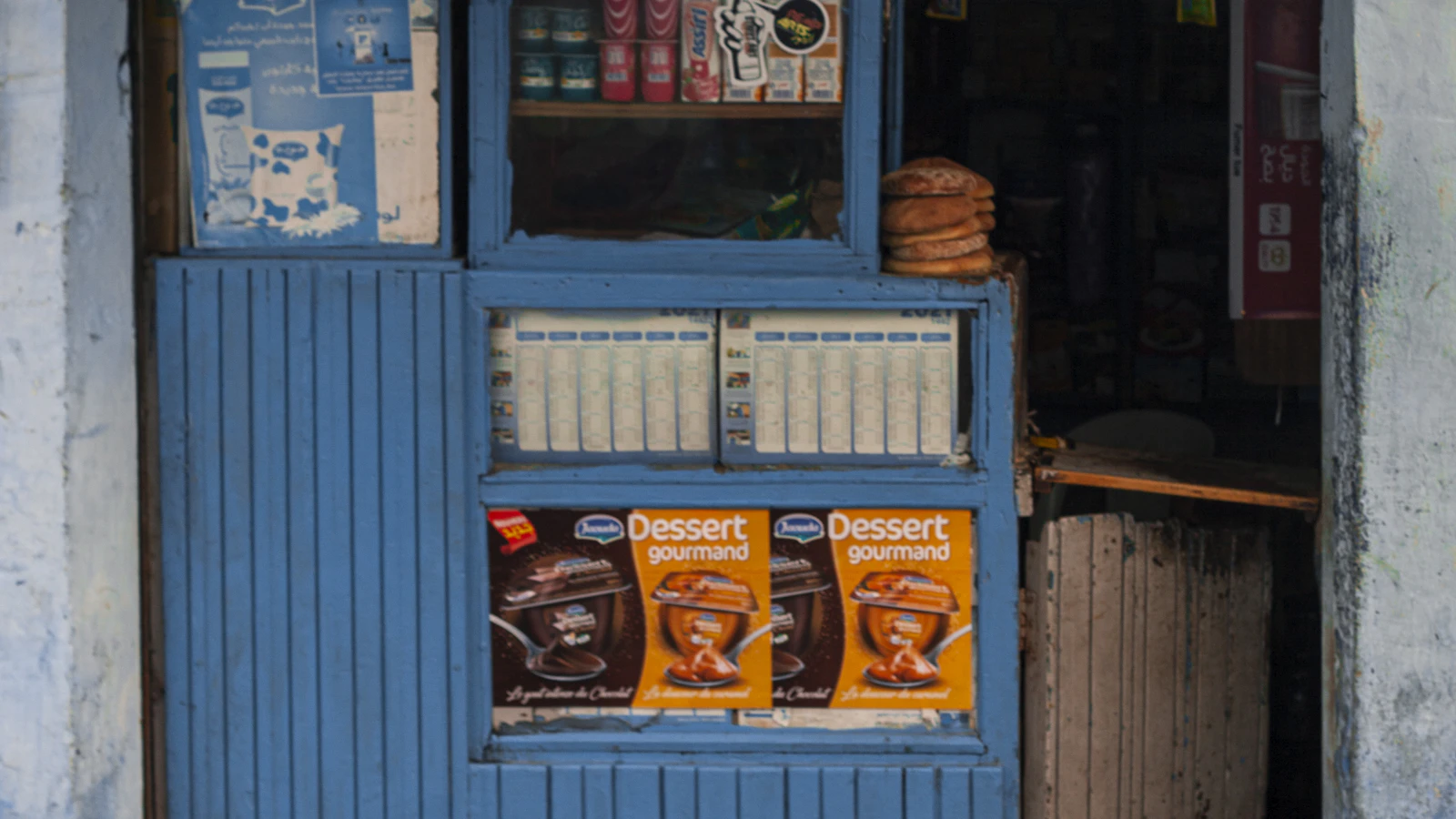
Map to build before the lease
- Exact activity and goods or services.
- Address, zoning and premises use.
- Planned works and planning permission.
- Activity-opening procedure.
- Sector, health or safety constraints.
- Sign and advertising.
- Terrace or public-domain occupation.
- Conditions, inspections, renewals and evidence.
1. Break the project into permissions
One sentence such as “open a restaurant” hides several decisions.
| Block | Question | Possible authority |
|---|---|---|
| Premises | are use and works compatible? | municipality, planning, urban agency |
| Activity | simple declaration, regulated activity or classified establishment? | municipality and relevant commission/authorities |
| Sector | food, health, tourism or other rules? | sector administration |
| Exterior | sign, terrace or public domain? | municipal/territorial authority |
| Safety | capacity, fire, accessibility and installations? | competent services by project |
Contacts and documents vary by city, premises, category and scale of works. This table frames questions; it does not assign final legal competence.
2. Perform premises due diligence
Before a deposit or unconditional lease, request evidence and arrange an appropriate condition with advice.
- Identify title, owner and right to lease.
- Check authorised use and planning rules.
- Compare existing plans with reality.
- List works, extraction, power, gas, water and accessibility.
- Check co-ownership, neighbours and nuisance constraints.
- Test the activity and address in the Rokhas reference.
- Obtain written confirmations where available.
An old permission for the previous operator may not transfer to your entity, activity or fit-out.
3. Use Rokhas without assuming every case is identical
A government portal describes Rokhas as the national gateway digitising territorial permissions, including construction, planning, classified facilities and signage.
| Function | Use | Control |
|---|---|---|
| Reference/simulation | identify procedure | exact activity and municipality |
| Filing | transmit forms and evidence | version, signature and capacity |
| Tracking | view requests and status changes | respond on time |
| Output | retrieve decision and signed records | conditions and site identity |
The portal can also cover prior declarations and economic permissions. A digital interface does not eliminate inspection, sector opinion or a condition attached to the decision.
The lease should address permission risk
Before financial commitment, have the premises and lease conditions reviewed by competent professionals. A landlord’s or former operator’s oral promise is not an administrative decision.
4. Read the decision, not just the green status
Download the full decision. Note beneficiary, address, activity, capacity, plans, hours or conditions, duration, pre-opening obligations, inspections and renewal.
- Decision: signed file and reference
- Condition: action and responsible person
- Deadline: date and alert
- Change: analysis before implementation
Keep a permissions register with internal owner, date, condition, evidence and reminder. For an activity, premises, operator or works change, check whether a new request or amendment is needed.
5. Open the system only after the site
Catalogue and training preparation can advance, but commercial opening should follow applicable decisions and conditions.
- Keep the outlet in preparation mode.
- Attach the site to the beneficiary entity.
- Activate users on the decided date.
- Retain evidence in the establishment record.
- Do not present a test ticket as an opening.
BelloPOS helps prepare and run an authorised site. It grants no permission, and an active software outlet is no proof of a right to open.
Mistakes to avoid
- Signing before checking use.
- Confusing company purpose with permission.
- Reusing the former operator’s decision.
- Forgetting a sign or terrace.
- Looking at status without reading conditions.
- Opening because software is ready.
Frequently asked questions
Is the Trade Register enough to open?
No. Premises, activity, works and sector may require separate declarations or permissions.
What does Rokhas cover?
A government portal describes territorial permissions including planning, construction, classified facilities and signage, plus economic procedures.
Can I reuse a previous tenant’s permission?
Do not assume so. Check beneficiary, activity, premises, conditions and transferability.
When should I check a terrace or sign?
Before works or occupation; they may follow separate procedures.
Can BelloPOS prove my shop is authorised?
No. Retain the administrative decision and conditions in the site file.
What to take away
Break down the project, check premises before the lease, obtain each decision and open only when its conditions are satisfied.
Sources
The figures and rules quoted above come from these pages, read on the date given in the article.
- Kingdom of Morocco MRE portal, national territorial-permit gateway, read 30 August 2026
- Rokhas, economic and planning permissions, read 30 August 2026
- OMPIC, Creation and business life, read 30 August 2026
- DirectEntreprise, official services, read 30 August 2026
Prepare without opening early
Configure catalogue, team and stock, then activate the site on the genuinely authorised opening date.
Read next
Other practical guides on the same subject: