
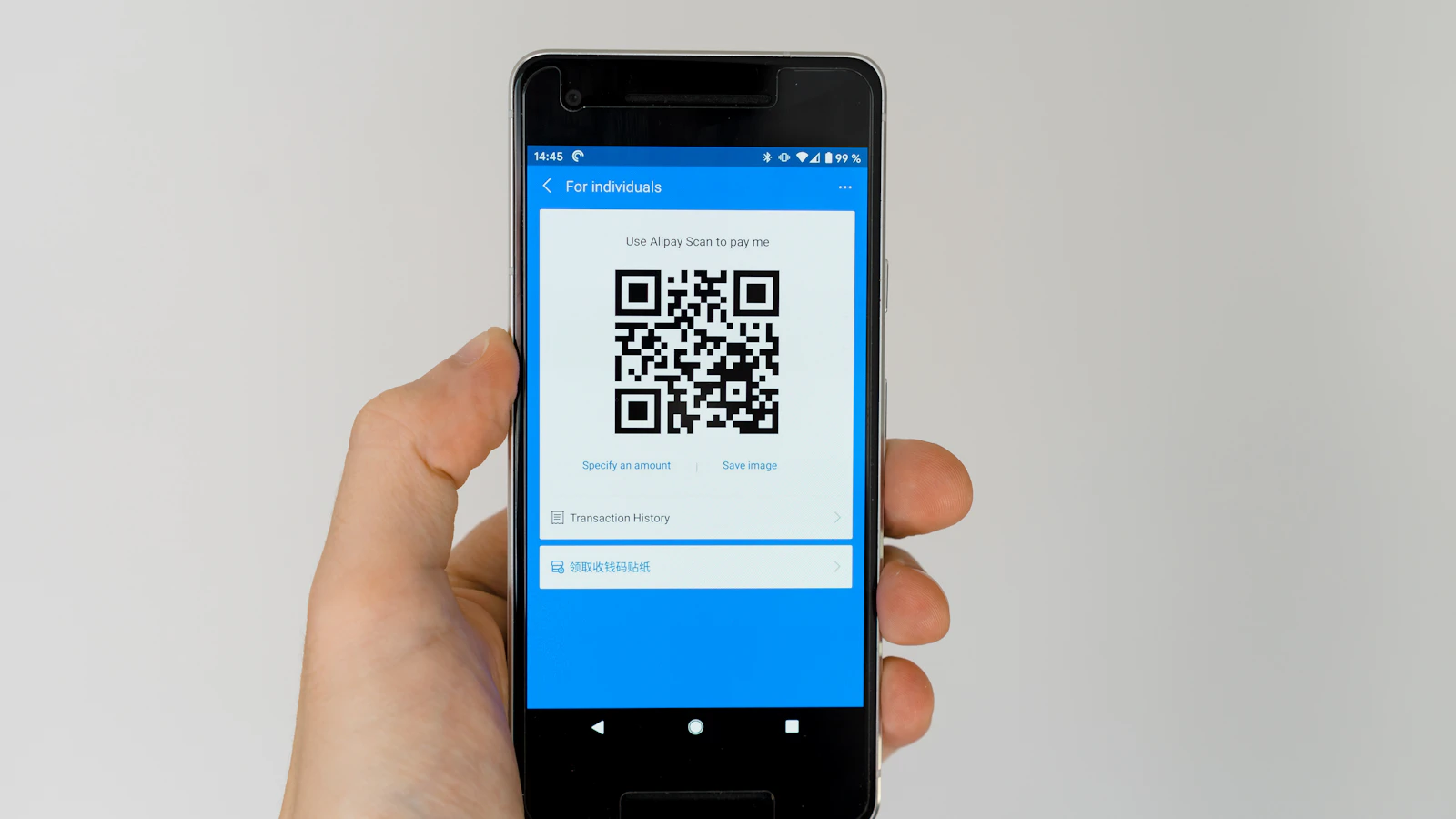
A QR code is only a compact way to print data. It may repeat number and total, open a verification page or carry a signed token, but the black square does not say which. Its value comes from payload, issuer, validation and response. As of 29 August 2026, no BelloPOS payload is presented as an official Moroccan DGI QR.
Rules for a useful QR
- Scan outside a sensitive session and read the destination before opening.
- Static QR may hold number, date, total, currency and identifiers.
- A verification link should use a known domain and protected connection.
- Repeated data speeds comparison but can be copied or replaced.
- A signed token adds evidence only when its mechanism is documented.
- BelloPOS QR locally summarizes the invoice; it is neither DGI receipt nor validation.
1. Four QR families on invoices
Two visually identical QRs can perform entirely different jobs. Test with a reader that displays content before navigation.
| Type | Content | Use and limit |
|---|---|---|
| Plain text | Number, date, total, ICE | Fast comparison; copyable data |
| Link | URL to a page | Current information; depends on domain and network |
| Reference | Short identifier | System lookup; useless without access |
| Signed token | Data and cryptographic evidence | Verifiable when schema, key and rules are published |
| Payment | Payment details or request | Financial action; high substitution risk |
QR should not replace readable fields. A person, archivist or auditor must identify the document when camera, site or format disappears. Keep number and essentials on the page.
2. What belongs in the payload
Include the minimum needed for the stated purpose. Personal and banking data are plain text in many QRs: anyone seeing the page can scan them.
- Version: Lets field order evolve without breaking readers.
- Issuer: A checkable name or identifier without false certification.
- Document: Type, number and date for lookup.
- Amount: Total and currency for quick comparison.
- Parties: Strictly necessary identifiers such as ICE when appropriate.
- Evidence: Hash, signature or reference only when reader can validate it.
Avoid passwords, API keys, full card numbers, admin links or unnecessary data. For URL, avoid opaque shorteners. Readers should see the official domain before sending data or paying.
If QR merely copies number and total, call it summary, not authentic verification. Strong verification needs an independent source or cryptographic mechanism. The signature and seal guide explains that addition.
3. Verify an invoice with QR
Check both ways: scanned content against page, then page against source.
- Read issuer, number, date, total and currency.
- Scan with an app that previews text or URL.
- Compare each value to page.
- For links, check domain, HTTPS and spelling.
- Enter no secret on an unexpected page.
- If signed evidence is claimed, use issuer’s published validator and keys.
- Match returned status to exact invoice, not amount alone.
- Retain control reference or evidence when process requires it.
| Signal | Risk | Response |
|---|---|---|
| Unknown domain | Phishing | Do not open; contact issuer separately |
| Different QR amount | Substitution or error | Stop payment and reconcile |
| Unreadable QR | Print, size or contrast | Use readable number |
| Page without invoice reference | Generic result | Do not infer authenticity |
| Password request | Secret collection | Close and report |
| DGI state only in PDF | Unverified claim | Require official-channel response |
Test monochrome print, reduction, photocopy and ordinary phone. Keep white quiet zone and dark-on-light contrast. Huge decorative QR wastes space; tiny QR fails when useful.

A QR is never official by shape
Any software can draw QR. Only administrative text, controlled domain, key or official response establishes a role in a DGI scheme. Do not invent payload order, token or national state from foreign examples.
4. Current BelloPOS QR
BelloPOS prints a static summary on invoices and credit notes containing BELLOPOS, document number, date, two-decimal total, MAD, seller ICE and available buyer ICE. Pipe separators make it simple for an internal reader or manual comparison.
The current payload has no URL, DGI reference, receipt or SHA-256. It starts no payment and claims no administrative acceptance. Electronic-file fingerprint stays in the outbox and manifest described by the SHA-256 guide.
A4 retains readable data plus optional visual stamp and signature. Pro adds full document workflow; Go covers invoices from sales and electronic preparation. QR is a reading shortcut, not a replacement for PDF, XML or filing.
5. Checklist before deploying QR
Write its one-page specification and have security, accounting and users review it.
- One understandable purpose.
- Version and field order documented.
- No secret or excessive data.
- Number, date, total and currency remain readable beside it.
- Full controlled domain for URL.
- Real cryptographic validation when signed is claimed.
- Size, contrast and quiet zone tested on actual printers.
- Defined behavior offline or if domain disappears.
- Payload change log.
- No DGI mention without official specification and response.
Version payload before adding fields. Otherwise an old app may read seller as amount or ignore currency. Keep anonymized test examples and retest readers after change.
Mistakes to avoid
- Using an opaque shortened URL.
- Encoding secrets or needless data.
- Removing readable number from page.
- Presenting summary as authenticity proof.
- Copying a foreign tax payload.
- Writing DGI validated without response.
- Printing without quiet zone or real test.
- Changing field order without version.
Frequently asked questions
Is QR mandatory on every Moroccan invoice?
We do not generalize that without official text applicable to document and taxpayer. Check CGI, sector and published specifications.
Does QR prove an authentic invoice?
Not alone. Plain text can be copied. You need a verification source, signed mechanism or reliably checked response.
Can it work offline?
Yes for embedded text. A link or remote lookup waits for connection and service.
What is in BelloPOS QR?
BELLOPOS, number, date, total, MAD, seller ICE and available buyer ICE. It is a local summary.
Does it contain SHA-256?
Not in the current payload. Hash belongs to sealed XML and export manifest, not printed QR.
Does BelloPOS QR open DGI?
No. It has no URL or DGI reference and is not a receipt. Filing is separate.
What to take away
QR is a container, not evidence. It becomes useful when purpose, fields, version and validator are explicit. BelloPOS QR speeds comparison of number, amount and parties; PDF, XML, hash and receipt retain separate roles.
Sources
The figures and rules quoted above come from these pages, read on the date given in the article.
- Moroccan General Tax Code 2026, DGI, read 29 August 2026
- Official presentation note for Law 43-20 on trust services, DGSSI
- BelloPOS electronic invoicing and UBL export, read 29 August 2026
- BelloPOS commercial documents, stamp and signature, read 29 August 2026
Test QR on a real print
Generate a BelloPOS invoice, scan it with two phones, compare payload with page and ensure staff do not confuse it with DGI validation.
Read next
Other practical guides on the same subject: