
At a Moroccan retail counter, decide the document type before completing the sale. For sales of products or merchandise to an individual, Article 145-III allows the receipt to stand as an invoice when it carries the minimum fields. When a business buys for its activity, capture identity and ICE and create a full invoice from the same sale without re-entry or moving stock twice.
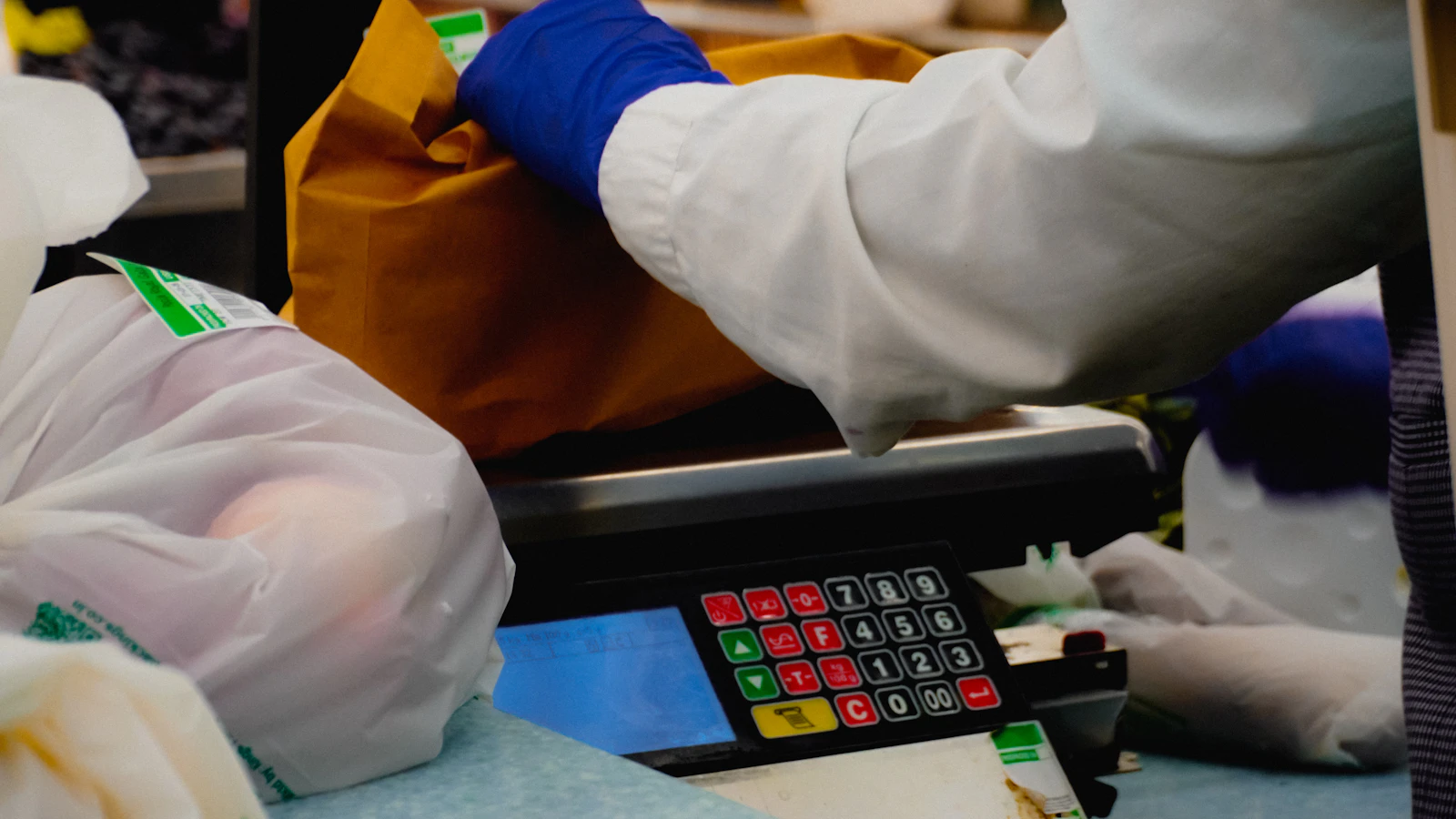
The checkout path
- Individual buying merchandise: detailed receipt with required fields.
- Business or authority: customer record and full invoice with ICE and useful references.
- Service: do not automatically extend the special merchandise-receipt rule.
- An invoice request must never create a second sale or stock movement.
- PDF serves the customer; structured data serves export and machine processing.
- In BelloPOS, issued invoices and credit notes enter the electronic queue, not a simple receipt.
1. Which document for which sale?
Ask one short question before payment: “invoice in a business name?”. The cashier need not conduct a tax interview. They choose a clear path and request data only when the business customer needs it. Our B2B and B2C comparison explains the data difference.
| Customer and transaction | Starting document | Data to request |
|---|---|---|
| Individual, products or merchandise | Receipt that may stand as invoice | No customer identity by default |
| Business buying at checkout | Invoice from the sale | Legal name, address, ICE and contact |
| Authority or institution | Invoice plus requested references | Identity, ICE and order reference for its process |
| Service supplied | Invoice or suitable document | Verify treatment rather than extending merchandise rule |
| Return after purchase | Credit or linked return trail | Original document number and reason |
Under the final passage of Article 145-III, a receipt for products or merchandise sold to individuals carries at least date, seller identification, description, quantity, price and VAT where applicable. The receipt-fields guide gives practical printing checks.
2. One transaction, three representations
The sale is the economic event. The receipt is its short checkout evidence. The invoice is the full document for an identified customer. XML is a structured representation of the issued invoice. These layers share lines, quantities, prices, VAT, payment and source; they must not become three sales.
- Sale: Moves stock and records total, payment or receivable.
- Receipt: Returns the sale quickly to an individual and supports returns, warranty and search.
- Invoice: Adds customer identity, ICE, full fields, legal series and A4 presentation.
- Structured file: Encodes invoice fields for export and automatic processing.
- Journal: Links user, time, sale, invoice, credit and sensitive actions.
- Archive: Retains document and data without relying on thermal paper.
If the customer requests an invoice after the receipt prints, find the sale by number, add or select the customer and generate a linked invoice. Do not enter another basket or turnover, stock and cash are doubled. Write how late requests are handled and what evidence is required.
Receipt and invoice can use different series. Retain the link. Do not renumber the receipt, recycle its number or depend on manually editing the invoice PDF.
3. The seven-step checkout test
Run this with a cashier and someone checking reports. It tests screen, print and underlying figures. Use invoice fields for the B2B result.
- Create a two-product sale to an individual and print the receipt.
- Read seller, date, products, quantities, prices, possible VAT, total and number.
- Retrieve the sale from receipt number without using time or amount.
- Create a second sale and state before payment that it is for a business.
- Select a customer with verified legal name, address and ICE.
- Generate the invoice from the sale and compare lines, payment and stock movement.
- Open PDF and structured export; verify the invoice, not receipt, enters the queue.
- Create a partial return and check credit, stock, customer balance and history.
Repeat without internet. Checkout should sell, print and prepare locally. Any administrative transmission is another event with its own channel, deadline and receipt when officially applicable. An outage justifies neither lost numbers nor re-entered sales.

Do not turn every receipt into excessive data collection
An individual need not provide ICE or address for an ordinary merchandise purchase. Collect what serves the requested document and protect customer records. E-invoicing is no reason to require a B2B identity from every visitor.
4. Daily and monthly controls
At close count sales, receipts, invoices created from sales, returns, credits and payments. Look for invoices without a source sale, sales invoiced twice, receipts cancelled without reason and missing numbers. The goal is not to accuse the cashier; it is to explain every difference with a trail.
- Alert, invoice without source sale: Check imports, rights and procedure.
- Alert, two invoices for one sale: Correct duplication through the proper trail.
- Alert, stock moved twice: Reconstruct sale, return and correction.
- Control, invoice count in manifest: Reconcile queue and invoice series.
Monthly, reconcile series, VAT by rate, invoices and credits, returned stock and accountant pack. Retain digital history for the applicable period; Article 211 of the 2026 CGI states ten years for accounting documents and supporting evidence. Confirm the exact scope of your archive.
Prepare for printer failure: offer PDF or reprint from history without recreating the sale. Prepare workstation replacement too: recent backup, installation, restore, counter test and validation before reopening.
5. BelloPOS from receipt to electronic invoice
BelloPOS Lite handles sale, stock, history and receipt. Go adds an A4 invoice directly from a sale with customer identity, ICE, VAT, amount in words, bank details, stamp and signature. The issued invoice also becomes SHA-256-sealed UBL 2.1 in a local queue, exportable alone or by period.
| Event | BelloPOS result | Plan |
|---|---|---|
| B2C sale | Receipt and stock movement | Lite |
| B2B request | A4 invoice from existing sale | Go |
| Issued invoice | UBL, hash and local queue | Go |
| Return or document correction | Linked credit and optional stock in hub | Pro |
| Monthly export | ZIP of XML plus CSV manifest | Go or Pro |
Simple receipts do not enter BelloPOS’s electronic queue; issued invoices and credits do. Direct DGI transmission is not active and UBL 2.1 remains BelloPOS’s export format. Compare Lite, Go and Pro.
Mistakes to avoid
- Requesting ICE from every individual without need.
- Creating a second sale when the customer requests an invoice.
- Moving stock manually after a recorded return.
- Confusing receipt number and invoice series.
- Putting a simple receipt in the queue as a structured invoice.
- Relying on thermal paper as the only archive.
Frequently asked questions
Does a receipt replace an invoice for an individual?
For products or merchandise sold to individuals, Article 145-III allows it when the minimum fields appear.
What if a business buys at checkout?
Request legal name, address and ICE, then create a full invoice from the sale so turnover and stock are not doubled.
Can an invoice be created after printing the receipt?
Yes when the system retrieves and links the sale under your procedure. Do not recreate the basket and keep references.
Must the receipt become XML?
Do not claim that without an applicable official rule. BelloPOS structured preparation covers issued invoices and credits, not the simple receipt.
What happens without internet?
BelloPOS sale, receipt, invoice and local queue continue. External filing waits for the available channel.
Which plan is needed?
Lite covers receipts. Go adds invoice-from-sale and electronic preparation. Pro adds the document chain and credits in the hub.
What to take away
Retail does not choose receipt or invoice once for all. It chooses by transaction and customer while keeping one source sale. That architecture protects turnover, stock, VAT, history and future electronic preparation.
Sources
The figures and rules quoted above come from these pages, read on the date given in the article.
- 2026 General Tax Code, articles 145 and 211, read 29 August 2026
- DGI 2025 activity report, electronic-invoicing portal, published 1 July 2026
- Ministry of Economy and Finance, suspension of implementation measures in 2019
- Ministry of Justice, Law 53-05 on the electronic exchange of legal data
- BelloPOS electronic invoicing, DGI connection limits and UBL 2.1 export, read 29 August 2026
- BelloPOS Lite, Go and Pro pricing, read 29 August 2026
- BelloPOS, A4 invoices from a sale, read 29 August 2026
Move from receipt to invoice without re-entry
See how BelloPOS creates an A4 invoice and structured export from the existing sale, then compare Lite receipts, Go invoicing and Pro documents.
Read next
Other practical guides on the same subject: