
A fast food order passes through four pairs of hands: the customer’s, the counter’s, the cook’s, and whoever hands it over. It gets lost in the same five places every time, and no kiosk and no screen changes that until those five are dealt with. This article follows the order’s path, says where it falls over, then explains what a well-set-up counter, a kiosk and a kitchen screen actually contribute, and in what order to consider them.
In short
- Five loss points: hearing it, entering it, passing it on, the order of preparation, handing it over.
- Fix the counter before buying anything. A menu built properly in the till saves more seconds than a kiosk does.
- A kitchen screen is justified by simultaneous tickets, not by cover count.
- A kiosk helps when the queue is the bottleneck, not when the kitchen is. Getting that wrong means paying to make the problem worse.
- BelloPOS has no kiosk and no delivery integration: said here, along with what works anyway.
The path of an order, and the five places it falls over
Follow an order of “two chicken tacos, one without onion, one drink” from the pavement to the bag. Every row in this table is a place where it has already been lost in your shop, probably this week.
| Stage | What gets lost | What fixes it |
|---|---|---|
| Hearing it | The “no onion” nobody wrote down, the drink size, eat in or take away. | Reading the order back aloud before payment, and options that live in the product record rather than in the server’s head. |
| Entering it | The wrong item because two buttons look alike, the extra that never gets charged. | A menu organised by sales frequency, with the ten items that make 80% of orders on the first screen. |
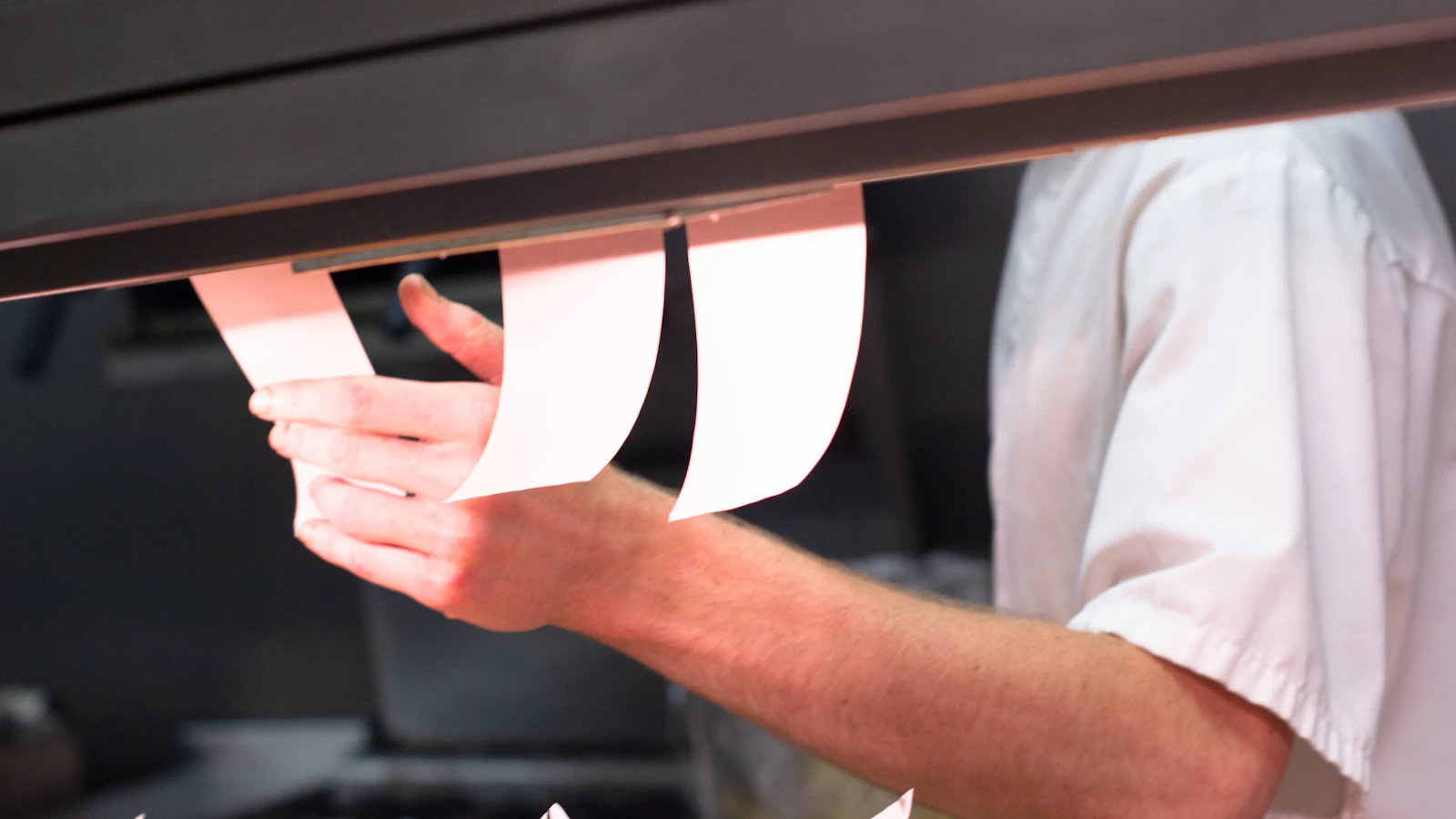
| Passing it on | The ticket left on the counter, the shouted order the fryer drowns out. | Automatic printing in the kitchen, or a screen. Never the voice alone beyond two simultaneous orders. |
| The order of preparation | Three orders started together and none finished; the one belonging to the customer who went to find change, going cold. | A display order by time of arrival, visible to everyone, and a written priority rule for delivery. |
| Handing it over | The bag given to the wrong customer, the missing item discovered at home. | An order number called out and stuck on the bag, and reading the lines aloud before sealing it. |
Three of those five are fixed without buying anything, purely by rebuilding the menu in the till and imposing two habits on the team. That is where to start, because it is free and because it measures the real bottleneck before you invest.
The counter: the menu in the till, not in someone’s head
The order station is not a hardware problem but a screen-layout problem. Four rules are enough.
- The ten items that make most of the sales, on the first screen: no submenu, no scrolling. It is the only optimisation measured in seconds saved per order, and it is free.
- Options as options, not as items: “no onion”, “well done”, “sauce on the side” have to exist in the product record. An option typed as free text never reaches the kitchen intact.
- Meal deals in one press: if a meal is sold a hundred times a day it should be one button, not three. Every gesture saved at the counter shows in the queue.
- Eat in or take away from the start of the order: it changes the packaging, sometimes the VAT applied and often the preparation priority. Asked at the end, it means repacking.
This takes one evening and gets redone twice a year, when the menu moves. The sales-by-item report tells you exactly which ten products to put in front: it is the same report described in the numbers to check every week.
From paper to screen: when the kitchen needs something else
The printed ticket works well, and it works up to a precise threshold. Here is how to know whether you have crossed it.
- Count your simultaneous tickets at the rush: how many orders are in preparation at the same time, measured over three evenings. That is the only number that decides.
- Below three or four, paper is enough: a printer in the kitchen, tickets clipped in order of arrival.
- Above that, look at what breaks first: tickets falling, the order lost, last-minute changes that never arrive.
- Test the discipline before buying: a rail in strict arrival order, one person who clips and unclips. Many shops discover the problem was the ordering, not the medium.
- If it persists, move to a screen: it shows orders in sequence, does not fall, does not get wet, and keeps the arrival time in view.
- Keep the printer as a fallback. A screen rebooting mid-service with no paper backup stops the kitchen.
What a kitchen screen really changes, with its limits, is set out in kitchen display (KDS): what it actually changes in service.
What BelloPOS does not do, and what works anyway
BelloPOS has no customer-facing kiosk, no QR menu and no integration with delivery platforms. That is plain, and if your plan rests on a self-service kiosk you need a different product: Avantages Feedback sells one, and that is a genuine advantage on their side. What BelloPOS does do is the counter: an organised menu, options per item, kitchen printing, per-user accounts, and all of it offline, with no subscription and no outage when the connection drops.
The kiosk: when it helps, and when it moves the problem
A kiosk does not make the kitchen faster. It moves the data entry from the server to the customer, which helps when the bottleneck is the queue at the counter, and makes things worse when the bottleneck is production: you take orders faster than the kitchen can produce them, and perceived waiting goes up rather than down.
The test is simple and costs nothing. At the rush, time two things for twenty minutes: how long between a customer arriving and their order being placed, and how long between the order being placed and the bag handed over. If the first is longer, a kiosk can be justified. If it is the second, a kiosk only lengthens the queue of bags waiting.
On budget, a self-service kiosk is listed at up to 18 500 MAD at a Moroccan reseller (28 July 2026), while a complete counter station stays around 11 500 MAD. At that level of spend the question is not “is this modern” but “which bottleneck am I paying to widen”, and the answer is measured with a stopwatch before you sign.
Delivery orders, at the same time as the counter
In a Moroccan fast food shop, some orders do not come through the door but through a platform tablet. It is the worst-handled problem in quick service, and it is organisational first.
- A written priority rule between counter and delivery, known to the whole team. Without one, the most insistent wins.
- One re-entry only: the platform order gets typed into the till once, when it is accepted, not when it leaves.
- A visible marker on the ticket or screen, so the kitchen knows that bag is waiting for a rider and not for someone standing there.
- A separate count at close, or delivery’s real share of your revenue stays an impression.
- The full method, with what the commission does to a dish’s margin, is in Glovo, Yassir, Kooul: three tablets, one stock.
Mistakes to avoid
- Buying a kiosk for a kitchen problem. A stopwatch is cheaper and answers the question.
- Leaving options as free text. They do not reach the kitchen and get paid for in remade dishes.
- Shouting orders beyond two at a time. The fryer always wins.
- Not numbering orders. It is the mistake that angers the customer, not the one that costs the most.
- Handling delivery as it comes. With no written priority rule it always goes first, and the room waits.
Frequently asked questions
Which POS for a fast food shop?
One whose order screen can be rearranged, that handles options per item, prints in the kitchen and works without a connection. The rest is comfort. The function-by-function detail is in our POS for fast food guide.
Do you need a self-order kiosk?
Only if your bottleneck is the queue at the counter, which a stopwatch settles in twenty minutes of rush. If the bottleneck is the kitchen, a kiosk speeds up the taking of orders you cannot produce, and perceived waiting rises.
Is a kitchen screen useful in a small snack bar?
Below three or four orders in preparation at once, the paper ticket is enough and cheaper. Above that, the screen mainly fixes the sequence and last-minute changes.
How do you handle Glovo and Yassir orders at the same time?
With a written priority rule, one re-entry into the till on acceptance, a visible marker in the kitchen and a separate count at close. BelloPOS is not integrated with those platforms: the re-entry is manual, and we say so rather than hide it.
How do you avoid order errors?
Read the order back aloud before taking payment, put options in the product record rather than in a comment, number every order, and check the lines aloud before sealing the bag. Those four habits cost zero dirhams.
What does a complete order station cost?
A complete counter station is listed at around 11 500 MAD at a Moroccan reseller (28 July 2026), a self-service kiosk at up to 18 500 MAD. The software itself can be free: BelloPOS Lite runs on an existing Windows PC.
What to take away
Order taking is not an equipment problem until the five loss points are dealt with. Rebuild the menu in the till, put options in the product records, print in the kitchen, number the orders, and write a priority rule for delivery. Only then reach for the stopwatch: if the queue is the bottleneck, a kiosk is arguable; if it is the kitchen, what you need is the screen or a better station layout, and a kiosk would only speed up the arrival of orders you cannot produce.
The counter first, and it can cost nothing
BelloPOS Lite is free for life and runs offline on a Windows PC: a rearrangeable menu, options per item, kitchen printing and per-user accounts. No kiosk and no delivery integration, as stated above.
Read next
Other practical guides on the same subject: