
Every POS vendor says their software works offline. Almost none of them means the same thing by it. This article explains the three possible senses of that phrase, what each one means on the day the connection drops, and how to choose without kidding yourself.

In short
- “Offline” covers three different realities: degraded mode, deferred sync, and fully local operation.
- Cloud wins on remote access and backups, which are done for you.
- Local wins on reliability and cost, because it depends on nobody and is paid for once.
- The real question is not technical but: what does an hour without a till cost you, and who takes your backups?
- A single-site shop with a patchy connection is almost always better off local. A chain of shops is almost always better off in the cloud.
The two models, explained simply
Behind the sales vocabulary there is only one question: where your data lives and where the program runs.
- The cloud POS: The software and your data sit on a remote server. Your till is a window onto it, usually in a browser. You log in from anywhere, the vendor handles updates and backups, and you pay a subscription for as long as you use it.
- The local POS: The software is installed on the machine in the shop and your data is in a file on that machine. Nothing goes out, nothing comes in. You depend on no connection, the licence is usually bought once, and backups are your responsibility.
What each does better
| Criterion | Cloud POS | Local POS |
|---|---|---|
| Selling during an internet outage | Entirely product-dependent. Some stop, some drop into a reduced mode. | No effect at all. The outage changes nothing. |
| Remote access to your figures | From any connected device. This is its major strength. | No. You have to be at the machine. |
| Backups | Handled by the vendor, with no action from you. | Yours to do. That is the price of independence. |
| Several shops consolidated | Natively. This is the use case cloud exists for. | Difficult. Each site has its own database. |
| Cost model | A recurring subscription that accumulates over time. | Usually a one-off purchase, amortised through use. |
| If you stop paying | You generally lose access, including to the history. | The software carries on working. |
| Updates | Automatic, without you thinking about it. | Manual, when you decide. |
| Confidentiality of your data | Your figures are hosted by a third party, on their terms. | Your figures never leave your shop. |
“Offline” means three different things
This is the heart of the article, and the distinction almost nobody in this market draws. When a salesperson tells you “it works offline”, they can mean three very different things.
- 1. Degraded mode: A cloud till that, cut off from the connection, keeps taking payments but loses some of its functions: no full product search, no customer record, no reports. It gets you through an hour. It does not last a day, let alone a week.
- 2. Deferred sync: The software works locally first, records everything on the device, then sends the data back to the server when the connection returns. A good compromise, but ask two questions: how long can it go without syncing, and what happens if two tills each edited the same record separately?
- 3. Fully local operation: There is no server at all. The program and the database live on the machine, and the idea of a lost connection does not exist, because there was never a connection. This is the simplest model to understand and the hardest to catch out.
That third category is what BelloPOS uses for its Lite, Go and Pro editions: they do not sync with any server, which means an outage cannot affect them, and equally that you should not expect remote access from them. It is a deliberate choice with consequences in both directions. BelloCommerce’s online offering is a separate product, not an option inside these editions.
The questions to ask the vendor
Whatever model you are offered, these six questions will tell you exactly what you are getting into. Write the answers down.
- If I cut the connection right now, can I complete a sale and print a receipt?
- And if the outage lasts a week, what happens?
- Which functions exactly stop being available offline?
- Where is my data physically, and how is the backup taken?
- If I stop paying, do I keep access to my sales history?
- How do I export my products, sales and customers to a standard file, without going through you?
The answer that should worry you
If the answer to the export question is “contact support and we will handle it”, your data is not really yours. A healthy solution lets you get your catalogue and history out yourself, whenever you want, with no negotiation.
The backup question, head on
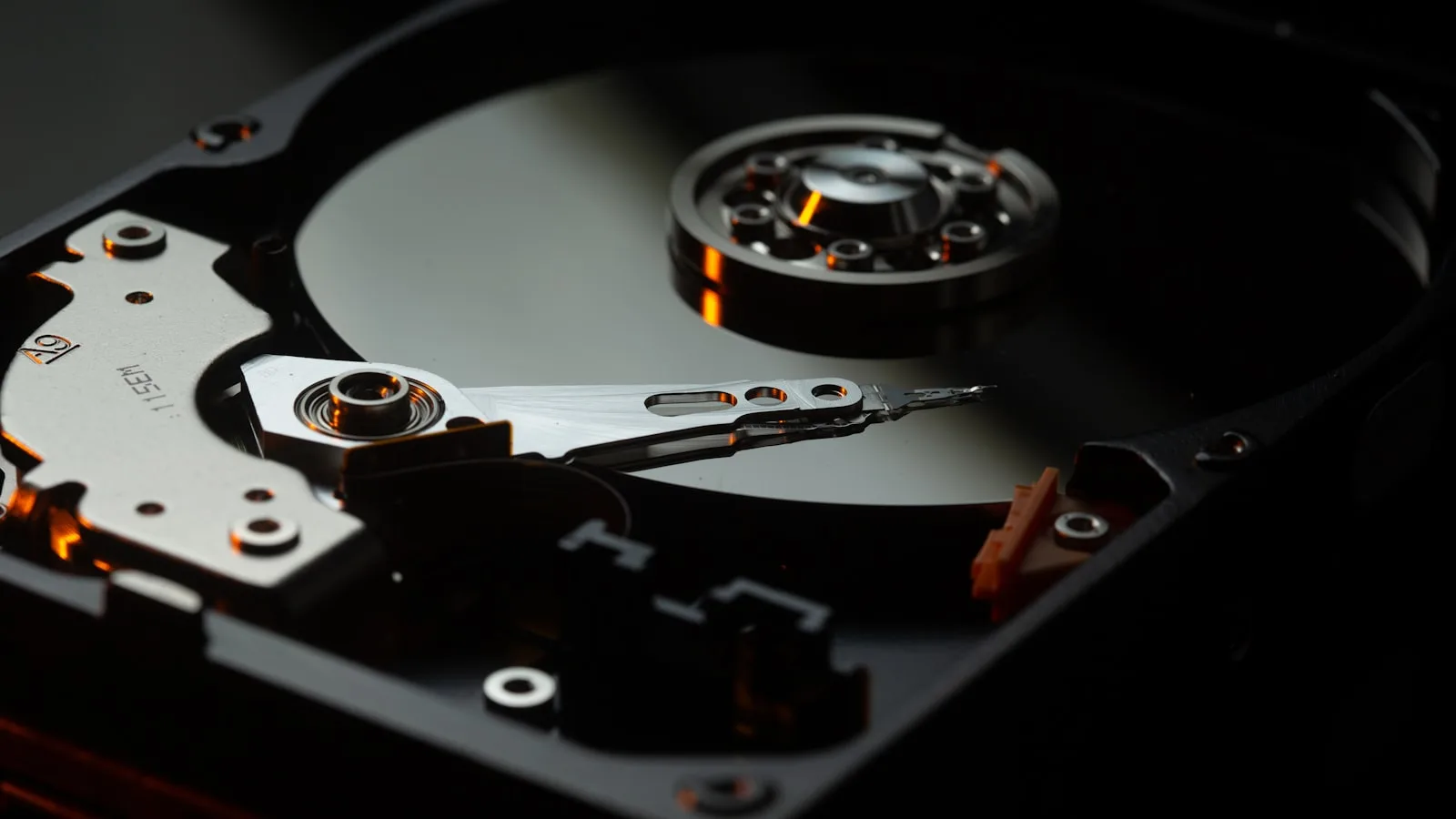
This is the genuine weak point of local software, and it deserves to be said plainly rather than talked around. With a cloud till your data is copied by the host and you never think about it. With a local till, if the hard drive dies and you have no copy, everything is gone.
The good news is that the problem is solved in five minutes a week, as long as it becomes a habit rather than a good intention.
- Pick a fixed moment: Sunday evening at closing, for example. A fixed day beats an ideal frequency that never actually happens.
- Copy the database file to a USB stick or external drive. Your vendor should be able to tell you in one sentence where that file is.
- Keep the copy somewhere other than the cash drawer. A theft or a water leak usually takes both at once.
- Alternate between two drives, one each week. If this week’s copy is corrupt, last week’s saves you.
- Once a quarter, check that a backup actually restores. A backup that has never been tested is not a backup.
If that routine feels beyond you, that is a serious argument for cloud and it deserves to be heard. A local till with no backups is riskier than a cloud till with a subscription.
Cost over time
The two models are not paid for the same way, and the comparison only makes sense across several years. A subscription accumulates, a licence is amortised.
| Horizon | Subscription at 250 MAD / month | Licence bought once |
|---|---|---|
| Year 1 | 3,000 MAD | The licence price, then nothing |
| Year 3 | 9,000 MAD cumulative | Still the same starting price |
| Year 5 | 15,000 MAD cumulative | Still the same starting price |
| If you stop | Access lost, usually including the history | The installed software keeps working |
That does not make subscriptions bad. They include hosting, backups, updates and often support, which are real services. But compare like with like: the price of a licence against the accumulated subscription over the period you expect to keep the tool.
For reference, with public figures: BelloPOS Lite is free for life, BelloPOS Go is 9,000 MAD as a single payment and BelloPOS Pro is 40,000 MAD, also paid once (prices recorded in July 2026). Run the same sum against whatever you are being offered.
The Moroccan case
Two local realities weigh on this choice more than elsewhere. The first is connection quality, which varies enormously by neighbourhood: excellent in a business district, temperamental in a medina, a covered souk or a basement unit. The second is the share of cash, which remains significant in neighbourhood retail.
The consequence is simple. If most of your takings are cash over the counter, your till needs no connection at all to do its job. Forcing one on it adds a point of failure and buys you nothing in return.
Conversely, if you run several shops, if you need to check your figures from outside, or if you also sell online and want shared stock, cloud answers needs that local will never cover properly. It is not a question of quality, it is a question of what shape your business is.
How to choose, in three questions
- One site, average connection, tight budget: Go local. You remove both the dependence on the connection and the recurring cost. Set up the backup routine in the first week and the subject is closed.
- Several shops, or a need to monitor remotely: Go cloud, or a deferred-sync solution. Consolidating across sites is precisely what local cannot do.
- You also sell online with shared stock: You need a connected component, whatever else you do. The important point is then what happens at the counter when the connection drops: that is where your day is decided.
Frequently asked questions
Is an offline POS less modern than a cloud one?
No, they are two different architectures answering different needs. Cloud excels at remote access and consolidating several sites. Local excels at reliability and total cost. For a single shop with an imperfect connection, local is often the more rational choice, not the more backward one.
What happens if my computer dies with a local POS?
You restore your backup onto another machine. That is exactly why the backup routine is not optional with local software: copy your database to a USB stick on a fixed day, keep the stick outside the shop, and test a restore once a quarter.
Can I check my sales from home with a local POS?
No, and that is the trade-off to accept. The data lives on the machine in the shop. If remote access is essential to you day to day, you need a connected solution. If you look at your figures in the evening as you close up, you will not miss it.
Do cloud tills really work without internet?
It depends entirely on the product, which is why the question has to be asked precisely. Many offer a degraded mode that lets you keep taking payments for a few hours with reduced function. Very few last a full week. Ask explicitly what stops working, and how long the till can stay disconnected.
Is my data safer locally or in the cloud?
It depends what you want protection from. Against a disk failure, cloud is safer, since copies are made for you. Against a service interruption, a price rise or a vendor disappearing, local is safer, since nothing depends on a third party. Both risks are real.
Can I start local and move to cloud later?
Yes, on one condition you should check before starting: being able to export your products, customers and history in a standard format. If the export exists, today’s choice is never final. If it does not, do not go in.
Which model costs less?
Local, once you keep the tool for several years, because a licence is bought once while a subscription accumulates. At 250 MAD a month you are at 15,000 MAD after five years. But the subscription includes real services: hosting, backups and updates. Compare the total, not just the entry ticket.
What to take away
Stop asking whether a till works offline and start asking which of the three definitions it uses, and what exactly stops working. A single-site shop with an imperfect connection almost always gains from going local, provided it takes backups seriously. A multi-site business almost always needs something connected. Everything else is a matter of preference, and of what an hour without a till would cost you.
A till that depends on nobody
BelloPOS Lite, Go and Pro run 100% offline on your Windows PC: sales, stock, receipts and reports stay available whatever happens to the line. Lite is a free lifetime licence, with no subscription.
Read next
Other practical guides on the same subject: