
The file is here to download, free, no sign-up. It keeps stock per size and per colour, which no one-line-per-product table can do, and that is the whole difference: a boutique does not sell models, it sells a blue M. Six tabs, no macros. In the example shipped with it, 5 models already make 28 stock lines, and the file flags what nobody tracks: a model with only S and XL left, meaning 8 pieces and 1 120 MAD tied up in a garment that will not sell again.

In short
- Download the file (.xlsx, opens in Excel, LibreOffice, Google Sheets and Numbers).
- Two levels: the model carries the prices, the variant carries the stock. It is the only structure that survives in fashion retail.
- One SKU per size and colour, written MODEL-COLOUR-SIZE. That is the column both logs copy.
- The number to watch: models broken on the middle sizes. In the example, one model, 1 120 MAD.
- Shrinkage and markdowns are tracked, because a piece sold at 40% off was a buying mistake, not a promotion.
Why a boutique cannot keep one line per product
This is the mistake that makes most fashion stock files useless. “Cotton shirt: 36” means nothing. Thirty-six shirts spread over four sizes and two colours are eight separate stocks, and the customer walking in wants exactly one of them.
| Tab | What it is for | What you type in |
|---|---|---|
| Models | The commercial level: cost, sale price, margin. | One line per model. No stock here. |
| Variants | The real level: one stock per size and colour. | One line per SKU, with its opening stock and threshold. |
| Stock in | Deliveries, by SKU. | Date, SKU, quantity, supplier, delivery note. |
| Stock out | Sales, returns, faults, unexplained loss. | Date, SKU, quantity, reason, discount applied. |
| Dashboard | Eight numbers read from the other tabs. | Nothing. |
| How to use | The file’s rules, in plain words. | Nothing. |
The SKU is written MODEL-COLOUR-SIZE, for example CH-01-WHITE-M. That convention is not decoration: it is what lets the stock-in and stock-out logs find the right line, and it is also the code you will print on the label the day you move to barcodes.
What the file computes per model
You type two prices per model and one stock per variant. Everything else is computed. Here is the output on the five example models.
| Model | Cost | Sale price | Margin | Total stock | Sizes at zero | Value at cost |
|---|---|---|---|---|---|---|
| Plain cotton shirt | 95 | 199 | 52 % | 36 | 0 | 3 420 |
| Crew neck T-shirt | 38 | 89 | 57 % | 69 | 0 | 2 622 |
| Straight jeans | 140 | 299 | 53 % | 8 | 2 | 1 120 |
| Printed summer dress | 120 | 279 | 57 % | 12 | 0 | 1 440 |
| Light jacket | 210 | 449 | 53 % | 11 | 1 | 2 310 |
Look at the straight jeans row: 8 pieces in stock, 1 120 MAD at cost, and two sizes at zero. The sizes that have gone are M and L, which is the middle of the curve, and what is left is S and XL. That model is dead: it takes up a rail, it weighs on your cash, and it will not make another full-price sale.
No one-line-per-product file can tell you that. It would have shown you “8 in stock” and you would have waited. That is why the “sizes at zero” column exists, and why the dashboard counts the models that have two or more.
Getting it running without losing a week
A three-hundred-line boutique cannot be typed in one evening, and you should not try. Do it by family.
- Download the file and save a copy under the shop’s name.
- Fix the SKU convention once and for all: family prefix, number, colour in one language and always the same one, size last. Changing convention halfway is the one genuinely costly mistake.
- Start with one family: the shirts, or whichever category makes the most money. Enter its models, then its variants.
- Count that family, size by size, and put the numbers into “opening stock”. It is slow the first time and never again.
- Leave the threshold at 2 to begin with. On a garment, two pieces of one size is a sale and a half before the gap appears.
- Keep both logs: deliveries in Stock in, everything leaving in Stock out, with the reason. A customer return goes in as a negative quantity, not as a stock-in line.
- Add one family a week until the shop is covered. A partial but accurate file beats a complete and wrong one.
On the Status column, two clicks of conditional formatting are worth it: Conditional Formatting, Highlight Cell Rules, Text that Contains, then “OUT OF STOCK” in red and “RESTOCK” in amber. The rail that needs attention becomes visible without reading a single line.
The line count is the real ceiling
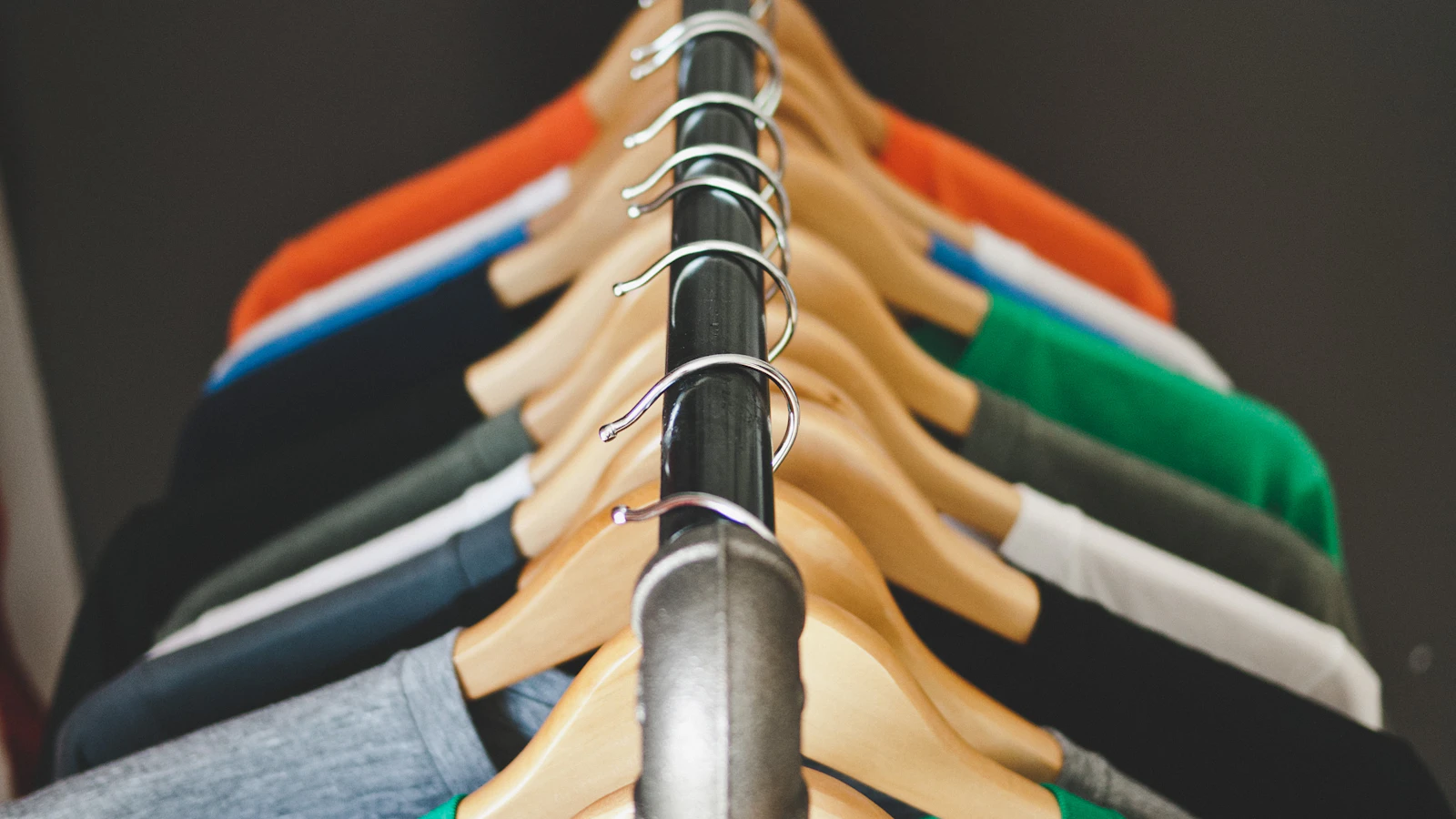
Five models make twenty-eight lines in the example. A real shop with forty models in four sizes and three colours makes four hundred and eighty, and every one has to be kept up to date by hand, on every sale. This is where fashion outgrows a spreadsheet far faster than a grocery does: it is not Excel that gives up, it is the typing. The day a scanned label does the work, the question is settled.
The two numbers this file teaches you
The first is shrinkage: what is missing with no explanation. The reason column on the Stock out tab separates a sale from a theft, a fault and a return, and the file values each reason at cost. In the example, 95 MAD. In a real shop it is the number that decides whether the rail layout or the fitting room needs rethinking.
The second is the markdown. The “Discount %” column on the Stock out tab records what was knocked off each sale: 5 pieces in the example. A markdown is not a commercial operation, it is the price of a buying mistake, and it has to be read per model. A model that only moves at 40% off will not be bought again next season, and that is exactly the sort of decision that gets lost between two collections.
Those two columns are also what makes the file useful facing a supplier. Turning up with “this model did 12 full-price sales and 5 in the sale, that one did 40 full price” changes a restocking negotiation. Without a file the conversation happens from memory, and memory always favours the model you like.
What the dashboard shows, on the example
Nothing to type on this tab. It reads the others and produces eight lines.
| The number | On the example | What it tells you |
|---|---|---|
| Models tracked | 5 | The size of the file. |
| Variants tracked | 28 | The real number of stocks to keep: five models, twenty-eight lines. |
| Stock value, at cost | 10 912 MAD | What you paid for what is on the rails. |
| Variants out of stock | 3 | Refused sales, one at a time, with nobody counting them. |
| Models broken on size | 1 | Here 1 120 MAD that will only move in the sale. |
| Shrinkage | 95 MAD | To follow month on month, never on a single month. |
| Pieces sold at a discount | 5 | To tie back to the model, for the next order. |
Mistakes to avoid
- One line per model. This is the mistake that makes the file useless: a garment’s stock is a stock per size.
- Changing the SKU convention halfway. CH-01-BLANC-M and CH-01-WHITE-M are two different items.
- Entering a customer return as a stock-in. It goes in as a negative quantity in Stock out, or the model’s sales figure is wrong.
- Not separating sales from shrinkage. Without the reason, the loss disappears into the revenue.
- Waiting for the end of the season to count. One family a week, in rotation, and the full stock take stops being an event.
Frequently asked questions
Is this Excel template for a clothing shop free?
Yes, with no sign-up. An .xlsx file with no macros, opening in Excel, LibreOffice Calc, Numbers and Google Sheets, editable as your own.
How do you handle sizes and colours in Excel?
On two levels: a Models sheet carrying the prices, and a Variants sheet where every line is a SKU, meaning one model, one colour and one size. Stock only lives on the second, and the per-model total is a SUMIF.
How many lines is that for a real shop?
In the shipped example, 5 models give 28 lines. Forty models in four sizes and three colours give four hundred and eighty. The file handles them fine; it is the manual entry that does not.
What does “model broken on size” mean?
A model with two or more variants at zero, usually the middle sizes, which go first. Its total stock still looks comfortable and it makes no more full-price sales: it needs restocking now or marking down now.
Does the file handle sales and promotions?
It tracks them, which is more useful. The “Discount %” column records what was given away on each line leaving, so at the end of the season you know which models only moved in the sale. It does not recompute a discounted price automatically.
When should you move to POS software?
When the SKU count passes what you can keep by hand, or as soon as a second person sells. A till deducts the right variant at the moment of payment, which no spreadsheet will ever do. Our POS guide for clothing shops sets out what that changes.
What to take away
A clothing shop’s stock is kept per size and per colour or it is not kept at all. This file applies that rule with two levels and four formulas, and it produces the one number that really counts in fashion: the models broken in the middle of the size curve, with what they have tied up. Start with one family, keep both logs, and within a season you will know which models to buy again and which you never will.
The file now, the till when the SKUs overflow
The template is free and needs no sign-up. When the shop outgrows what manual entry can follow, BelloPOS manages variants, deducts the right size at checkout and prints the labels. Lite licence free for life, entirely offline.
Read next
Other practical guides on the same subject: