
When two Moroccan merchants say “cash register” they are not always talking about the same object: one is picturing a machine on the counter, the other software installed on a PC. Both are right, and that confusion explains half the bad purchases. Here is what a till actually is, what happens during the four seconds of a sale, and what it does when you are not watching.
In short
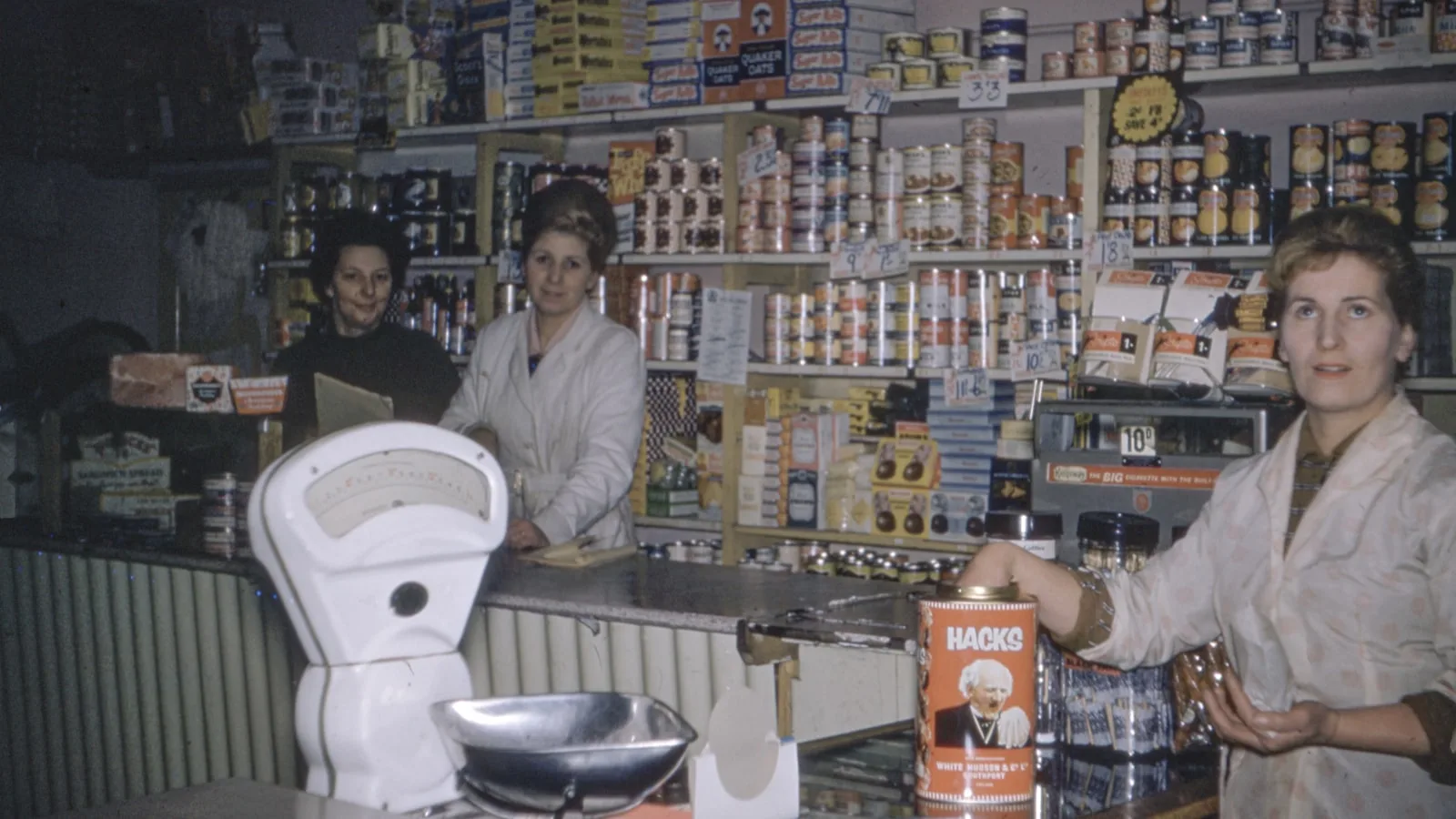
- Three generations coexist in Morocco: the mechanical register, the standalone electronic register, and software on a PC.
- Every till system has the same four parts: an input, a catalogue, an output and a memory.
- The decisive difference is the memory. A machine adds up; software remembers what, when and by whom.
- A sale is four operations in a few seconds, three of which you never see.
- It is not the machine the law governs, it is the document it produces and the record it keeps.
The three generations, and what separates them
All three still exist in Moroccan shops, often on the same street. What distinguishes them is not their age but what they can retain.
| The generation | What it does | What it does not do |
|---|---|---|
| The mechanical register | Adds up, opens a drawer, prints a total on a roll. | Knows no products at all. It counts money, not items. |
| The standalone electronic register | Stores a limited number of items with their prices, prints an itemised receipt, produces an end-of-day total. | Does not really track stock, exports badly, and is programmed item by item on a small keypad. |
| Software on a computer | Unlimited catalogue, stock, customers, purchases, reports, multiple users, invoices and data export. | Needs a PC and a minimum of setup at the start. |
The step between the second and third rows is the only one that genuinely changes a shop. An electronic register tells you how much you took; software tells you what you sold, what is left, what it cost you and who sold it. Same working day, but one produces a figure and the other produces information.
The four parts of any till system
Whatever the generation, brand or price, it all comes back to these four building blocks. Recognising them makes any sales demonstration far easier to read.
- The input: how the item gets into the basket: A scanner reading a barcode, a finger on a touch grid, or a keyboard. It is the only part the customer sees, and the one that sets the speed of the counter.
- The catalogue: what the till knows about your products: The name, the sale price, the VAT rate, and possibly the cost price and the stock quantity. Without a catalogue, a till can do nothing but add up hand-typed amounts.
- The output: what happens at payment: The receipt printing, the drawer opening, the customer display showing the total, and where applicable the PDF invoice.
- The memory: what remains afterwards: The sales history, the stock movement, the VAT breakdown, the user’s name. It is the invisible part, and the only one that still serves you six months later.
A salesperson will always show you the first part, because it is spectacular. Ask your questions about the fourth: it decides what you will know about your business at the end of the year.
What really happens during a sale
Four seconds at the counter, four operations inside the machine. You see one of them.
- The item is identified. The scanned barcode is looked up in the catalogue, which returns the name, the price and the VAT rate. If the code is unknown, nothing happens: that is the moment to create the product, not to type the price by hand.
- The line is calculated. Quantity times price, less any discount, with the VAT share isolated for each rate present in the basket.
- The payment is recorded. Cash, card or a combination, with the change worked out. That is what closes the sale and triggers the drawer.
- Everything is written down. The receipt prints, each item’s stock goes down, and the sale enters the history with the time, the payment method and the signed-in user.
The fourth step is what separates software from a machine, and it is also why a properly kept till saves you time in the evening: closing the day is not a calculation, it is a reading.
The most expensive confusion
“I already have a till” does not mean the same thing across generations. If your machine does not know your products and keeps no usable history, you have a drawer that adds up, not a till system. That is not a judgement: it simply means every article about stock, margin or reports does not apply to your situation until the catalogue exists.
What is specific to Morocco
The word itself. In Moroccan French, “caisse enregistreuse” covers both the unit with a drawer and the software running on a PC, and vendors from both worlds use the same term. When comparing two offers, always ask which of the three generations is being proposed: the price of one has nothing to do with the price of the other.
The other specific is what the law expects. It is not the machine that is governed but the document: your receipt must carry your details and your ICE, and its trace must be findable years later. An electronic register that only prints a total on a thermal roll meets that poorly, not because it is old, but because the roll fades and the total itemises nothing.
The vocabulary, in one minute
The six words you will hear in any demonstration.
- POS or point of sale: the whole checkout station, hardware and software together.
- Back office: the part where products, stock and reports are managed, as opposed to the selling screen.
- Close or Z report: the end-of-day operation that stops the counters and produces the period’s total.
- Cash float: the money left in the drawer at the start of the day to give change.
- Customer display: the second screen facing the buyer, showing the lines and the total.
- Offline: a till that works with no internet because its data is on the machine rather than a remote server.
Mistakes to avoid
- Comparing a machine and software on price. They do not do the same job.
- Typing prices by hand instead of creating products: the till becomes a calculator with a drawer.
- Believing the printed roll is the archive. The digital history is.
- Choosing on the selling screen alone without ever looking at the back office, where your genuinely useful time will be spent.
- Leaving the catalogue for later. Without it none of the interesting functions switch on.
Frequently asked questions
How does a cash register work?
Every till system rests on four parts: an input that identifies the item, a catalogue that knows its price and VAT, an output that prints the receipt and opens the drawer, and a memory that keeps the sale, the stock movement and the user’s name. A sale runs those four operations in a few seconds.
What is the difference between a cash register and POS software?
A standalone electronic register stores a limited number of items and adds up; POS software installed on a computer handles an unlimited catalogue, stock, customers, purchases, multiple users and reports, and exports its data. The first tells you how much you took, the second what you sold.
Do I need a computer to have a till?
For POS software, yes, but an ordinary Windows PC or laptop is enough, with a mouse and keyboard. The touchscreen, drawer and customer display are comfort additions, not operating conditions.
Does a till work without internet?
It depends on its design. A till whose database is on the shop’s own machine works with no connection at all. A till whose data sits on a remote server stops or degrades when the line drops. That is a question to ask before the price.
What is a till close?
The end-of-day or end-of-shift operation: it stops the counters, produces the total taken by payment method and by user, and is compared against the physical count of the drawer. That reconciliation is what reveals discrepancies while they can still be explained.
What to take away
A till is an input, a catalogue, an output and a memory. The hardware changes the input and output, which is what the customer sees; the software changes the catalogue and the memory, which is what you will know about your business. When someone gives you a demonstration, set the shiny screen aside and ask to see the history, the reports and the export: that is where the difference lies between a drawer that adds up and a management tool.
Try it, it is free
BelloPOS Lite is a complete till on a Windows PC: catalogue, stock, customers, receipts and history, entirely offline. A free lifetime licence, no card and no time limit.
Read next
Other practical guides on the same subject: