
Download a real Morocco invoice template in three formats. Every file contains a blank template and a filled example with obviously fictional identities and zeroed identifiers: Download Word (.docx) · Download Excel (.xlsx) · Download PDF (.pdf). Replace every value, validate your tax treatment and organise numbering before real use.

Choose the format by use
- Word: easily edit text and layout.
- Excel: enter lines and use calculation formulas.
- PDF: print or review a stable structure.
- Every file has a blank and fictional example.
- Zeros are teaching placeholders, never valid IDs.
- A template guarantees neither rate, compliance nor sequence.
- Retain a final unchanging copy and its support.
- Move to software once volume exceeds manual control.
1. Download all three templates
Download Word (.docx) · Download Excel (.xlsx) · Download PDF (.pdf)
| Format | Contents | Best use | Boundary |
|---|---|---|---|
| Word .docx | Blank + fictional example | Text, logo and layout | Calculations must be checked |
| Excel .xlsx | Blank + example sheets, formulas | Lines and calculations | Manual numbering, rights and versions |
| PDF .pdf | Two printable pages | Reference and paper entry | Hard to edit |
These are teaching structures, not compliance certificates, VAT decisions or issuing systems. First read how to make an invoice in Morocco and check the applicable fields.
2. Fill it without leaving fictional data
The examples use a fictional seller and customer, zeroed IDs and teaching amounts. None may survive in a real invoice.
- Duplicate the original before editing.
- Replace logo, legal name, address and contact details.
- Replace tax, ICE, commercial and other applicable IDs.
- Create the exact customer record and B2B ICE where required.
- Choose your numbering series and procedure.
- Replace every description, unit, quantity and price.
- Validate discounts, rates, exemptions and wording with the accountant.
- Check net, VAT by rate, gross, payment and balance.
- Export a final version and visually review it.
- Retain the final file, source and sending evidence.
| Field | Replace with | Do not |
|---|---|---|
| Identity | Your legal data | Keep “Example Company” |
| Identifiers | Your real numbers | Issue with 000000… |
| Number | Your controlled series | Restart at 001 in several files |
| VAT | Validated treatment | Copy 20% automatically |
| Customer | Exact record | Use “counter customer” for B2B |
| File | Name with number and date | Keep invoice-final-v2-copy |
OMPIC says ICE contains 15 positions and is added to the other identifiers. The template leaves room for these data but cannot decide what applies to your form and transaction.
3. Word, Excel or PDF: which should you keep?
The right format depends on stage. You may prepare in Excel, review its exported PDF and retain both, provided one version is final and its source is identifiable.
| Need | Suggested format | Check |
|---|---|---|
| Change text and terms | Word | Calculate separately |
| Many lines and formulas | Excel | Protect formulas |
| Send a stable rendering | Review after export | |
| Sign or annotate on paper | Scan useful evidence | |
| Reuse the structure | Blank Word/Excel | Never start from an issued invoice |
| Import to a system | Structured data | A PDF is not XML |
A PDF invoice is not automatically a structured electronic invoice. Our guide to leaving Excel without losing history covers customer, item, document and archive preparation.
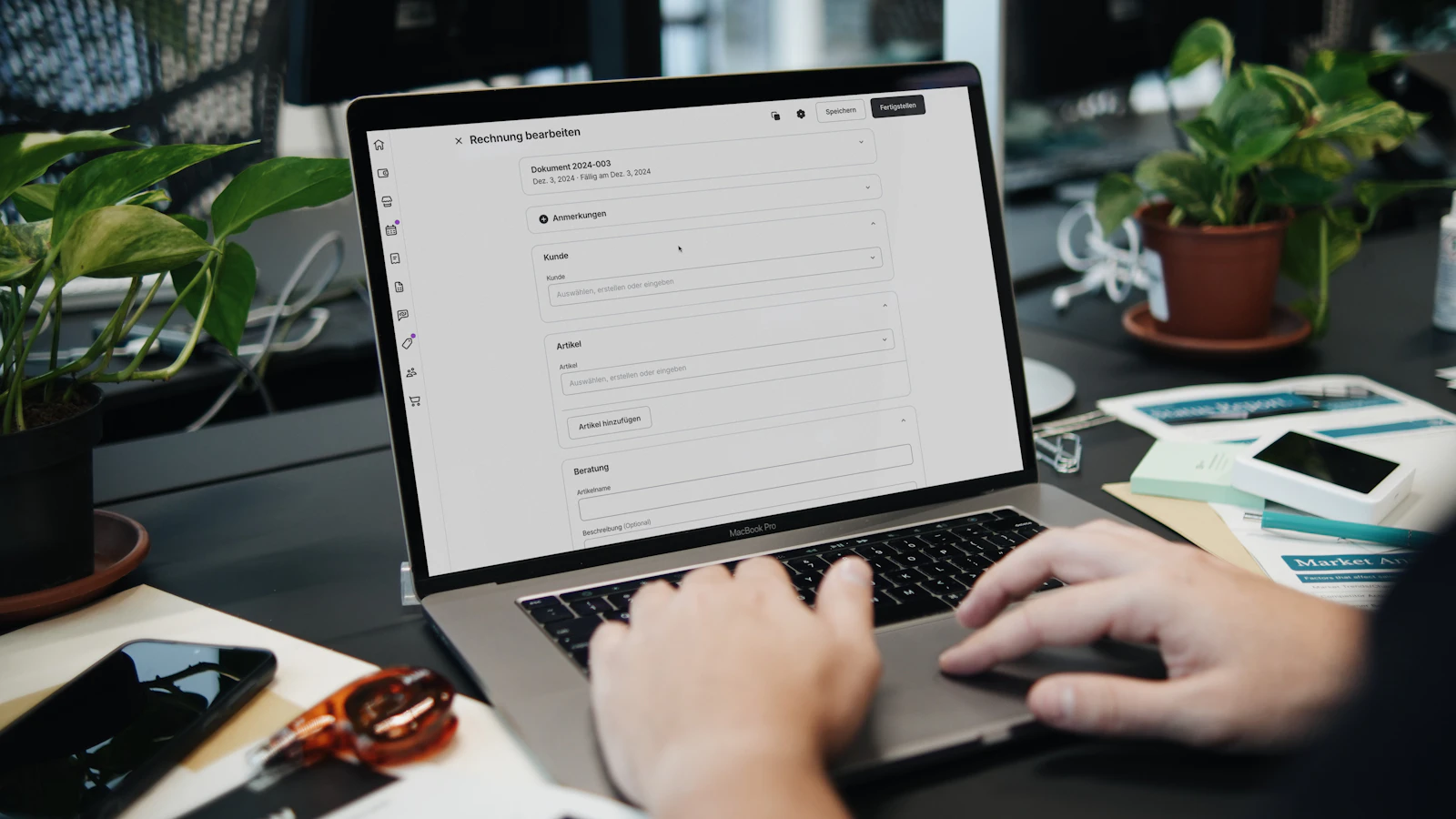
A template does not manage the sequence for you
Word and Excel can copy a file but cannot stop two people choosing the same number, prove who changed a formula or automatically link a credit to its original. Define the register and rights, or use software once volume makes control fragile.
4. Final check before sending
Review seller, customer, number, date, every line, tax treatment and totals. Open the exported file on another device to catch a missing font, clipped column or extra page.
Check that the filename matches the displayed number and the email attachment is final. Retain the document and source evidence under your archive policy.
If the customer reports an error after issue, do not silently edit the sent file. Keep the original and apply the suitable credit or correction route with your accountant.
5. When to replace the template with BelloPOS
A template remains reasonable for a few invoices handled by one disciplined person. Software becomes useful when numbers, users, sales, payments, inventory, searches and corrections must stay linked.
| Manual difficulty | BelloPOS response | Plan |
|---|---|---|
| Retyping a sale | Invoice from sale | Go |
| Calculation and PDF | Controlled A4 issue | Go |
| Structured export | UBL 2.1, SHA-256, ZIP/manifest | Go |
| Quote and delivery | Document chain | Pro |
| Correction | Linked credit | Pro |
| Accounting data | Bridge/export | Pro |
BelloPOS works locally and Go/Pro are one-time purchases. It prepares the announced exports but does not transmit directly to the DGI. Compare the invoicing software and plans before migrating.
Mistakes to avoid
- Leaving fictional identities in place.
- Treating zeros as valid identifiers.
- Copying a VAT rate without validation.
- Duplicating a number across files.
- Changing a formula without recalculating.
- Reusing an issued invoice as the blank.
- Sending the wrong PDF.
- Presenting the template as guaranteed compliance.
Frequently asked questions
Are the templates really downloadable?
Yes. The page provides localized .docx, .xlsx and .pdf files, each with a blank version and fictional example.
Does the Excel template calculate totals?
Yes. It includes line and total formulas. Check them after every change and always validate the VAT treatment.
Can I send the filled example directly?
No. Identities and zeroed numbers are fictional. Replace every one with real data.
Does this template guarantee a compliant invoice?
No. It supplies a structure. Your business remains responsible for data, rates, numbers, procedure and applicable obligations.
Which format should I send the customer?
A reviewed PDF is generally most stable for rendering. Also retain the controlled source and supporting records.
When should I move to BelloPOS?
When numbers, sales, payments, users, searches or corrections become difficult to control manually.
What to take away
Download the format that reduces work, then replace all fictional data, validate the tax case, control the number and retain a final version. The template helps you start; it does not replace the procedure.
Sources
The figures and rules quoted above come from these pages, read on the date given in the article.
- Moroccan General Tax Code 2026, DGI, read 29 August 2026
- OMPIC, Common Business Identifier (ICE), read 29 August 2026
- BelloPOS numbered PDF invoices and fields, read 29 August 2026
- BelloPOS Lite, Go and Pro pricing, read 29 August 2026
Move from a template to an invoice linked to the sale
Test PDF issue and export in BelloPOS, then choose Pro only if quotes, delivery notes and credits belong in your path.
Read next
Other practical guides on the same subject: