
In Casablanca, you can buy hardware in person from a local reseller, with a touchscreen station advertised from 4,800 MAD, or install POS software on a computer you already own. The right supplier is not the one promising the most. It is the one that writes down the pack contents, warranty period, response time and cost after warranty. This guide compares a traditional register, a Casablanca touchscreen till and a PC setup, then gives you the acceptance test to run before signing the delivery note.
In brief
- The first verified public price is 4,800 MAD for a compact station; the published kit with terminal, printer, drawer, scanner and setup starts at 11,500 MAD.
- Three formats serve three needs: an electronic register for a short fixed catalogue, an all-in-one for a dedicated station, and PC plus software for a light, repairable start.
- Buy hardware locally if you want to handle and repair it. Software can be installed directly with no intermediary.
- Never compare two totals until their contents match: Windows, printer, drawer, scanner, fitting, training, travel and VAT.
- Accept an installation under real conditions: sale, void, Arabic receipt, internet cut, restart and backup restore.
1. Traditional, touchscreen or PC: choose before the supplier
The word till covers three purchases that age differently. An electronic register is closed and sturdy but quickly becomes limiting. A touchscreen all-in-one clears the counter, but a failed screen can stop the whole machine. A PC plus software takes a little more room, but its display, printer and scanner can be replaced separately. Our Morocco cash register choosing guide covers software criteria; this table chooses the format to show Casablanca sellers.
| Format | Verifiable hardware budget | Choose it if | Check before paying |
|---|---|---|---|
| Traditional electronic register | On request, no reliable public price found | Your catalogue is short and you want fixed keys | PLU count, VAT, exports, backups and the cost of reprogramming prices |
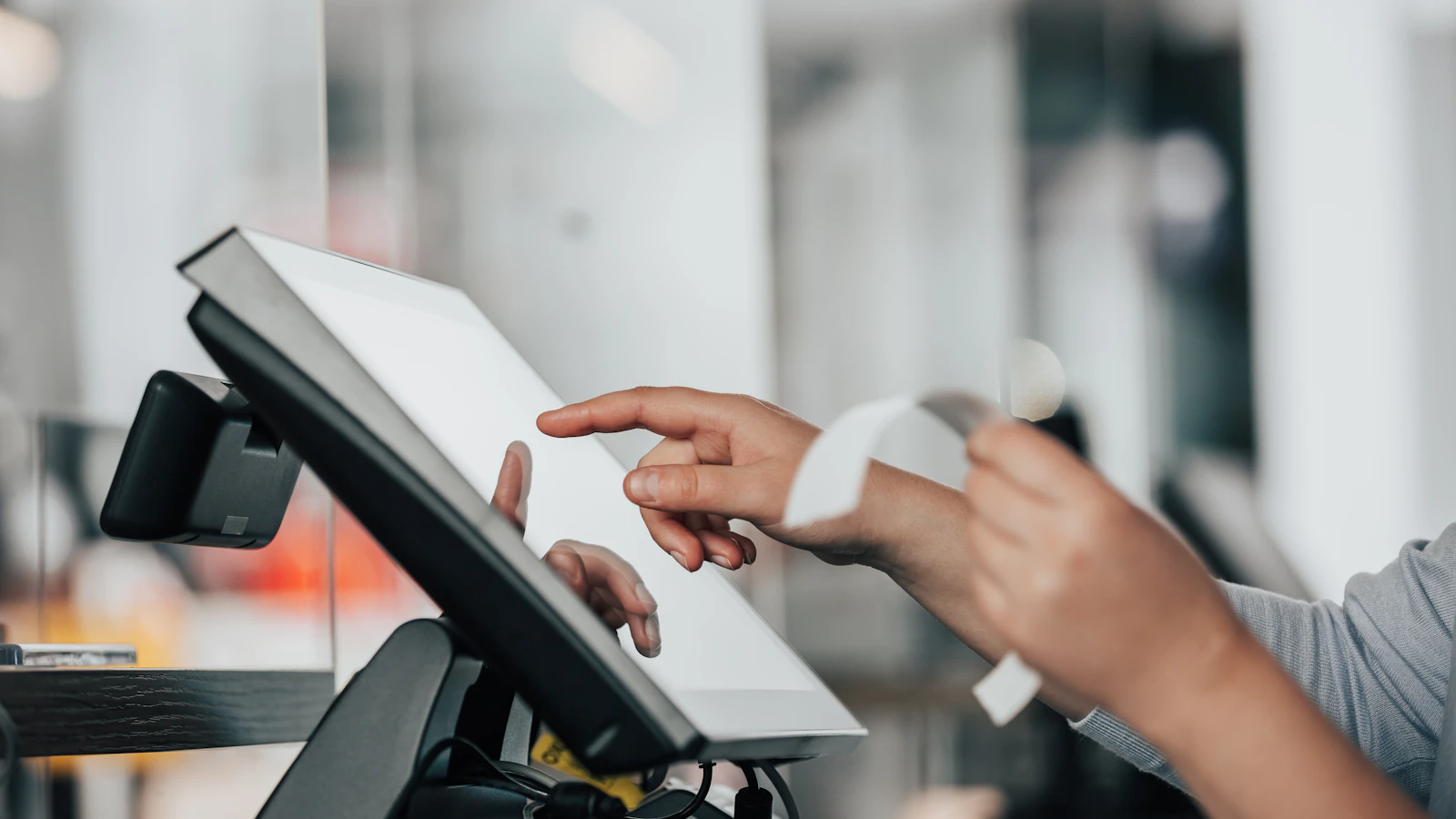
| Touchscreen all-in-one | From 4,800 MAD | You want a tidy counter and a dedicated machine | Windows, memory, storage, ports, printer, warranty and setup |
| Existing PC + POS software | 0 MAD hardware if the PC is suitable | You are starting small or want every part to be replaceable | Printer compatibility, backups, licence rights and support |
A touchscreen POS in Casablanca is not automatically the best buy. Its premium makes sense when counter space is tight, the station is dedicated to sales and the seller holds spares. A grocer who owns a PC may simply reuse it and add a printer. A restaurant should test table and kitchen handling before admiring the screen.
2. What does a cash register cost in Casablanca?
These are public prices displayed by a seller based in Casablanca, recorded on 28 July 2026. They are starting prices, not firm quotations. Use them as a reference, then confirm every line in writing. Our guide to POS hardware prices in Morocco gives the national piece-by-piece detail.
| Published offer | Price from | What the quote must specify |
|---|---|---|
| Compact 12-inch station | 4,800 MAD | Exact system, touchscreen and connections |
| 15-inch touchscreen station | 5,600 MAD | Single or dual screen and whether a printer is included |
| Restaurant station | 5,900 MAD | Whether printer, software and setup are included |
| POS tablet | 7,500 MAD | Reader, portable printer and real battery life |
| Complete kit | 11,500 MAD | Terminal, printer, drawer, scanner, fitting and training |
A complete kit is comparable with a station only when the quotation lists the same parts. Setup included must also say whether a technician travels, loads products, configures tax, connects the printer and trains users. The full cost of a cash register in Morocco combines hardware and software without muddling one-off purchases and subscriptions.
There is no neighbourhood price in this guide. Derb Omar, Maârif, Gauthier or Sidi Maârouf do not make the same machine objectively cheaper. Configuration, new or refurbished condition, warranty, peripherals and travel change the total. Ask for two quotations against an identical list, not two spoken promises.
3. Where to buy: three routes and six checks
Casablanca lets you see hardware before paying. Use that advantage without treating proximity as proof of quality. A hardware reseller, an IT integrator and a software publisher sell different services.
- Write your need on one page: trade, product count, barcodes, users, receipt languages, number of stations and offline need.
- Request a line-by-line quotation: terminal make and model, processor, memory, storage, Windows version, printer, drawer, scanner and cables.
- Separate hardware, software and service. Know what is bought once, what renews and what a visit costs after launch.
- Run a demonstration with difficult cases: return, discount, split payment, item without a code, Arabic receipt and till close.
- Read the warranty as a procedure: whom do you call, how fast, who pays carriage, and is a loan machine available?
- Pay the balance after acceptance, when staff have opened, sold, voided, closed, backed up and restarted the station.
A physical shop is useful for checking the screen, ports and printer quality. It proves neither software quality nor after-sales service. Conversely, directly downloaded software is not an incomplete purchase when you already have the PC and your printer is compatible.
The supplier’s real test starts with a failure
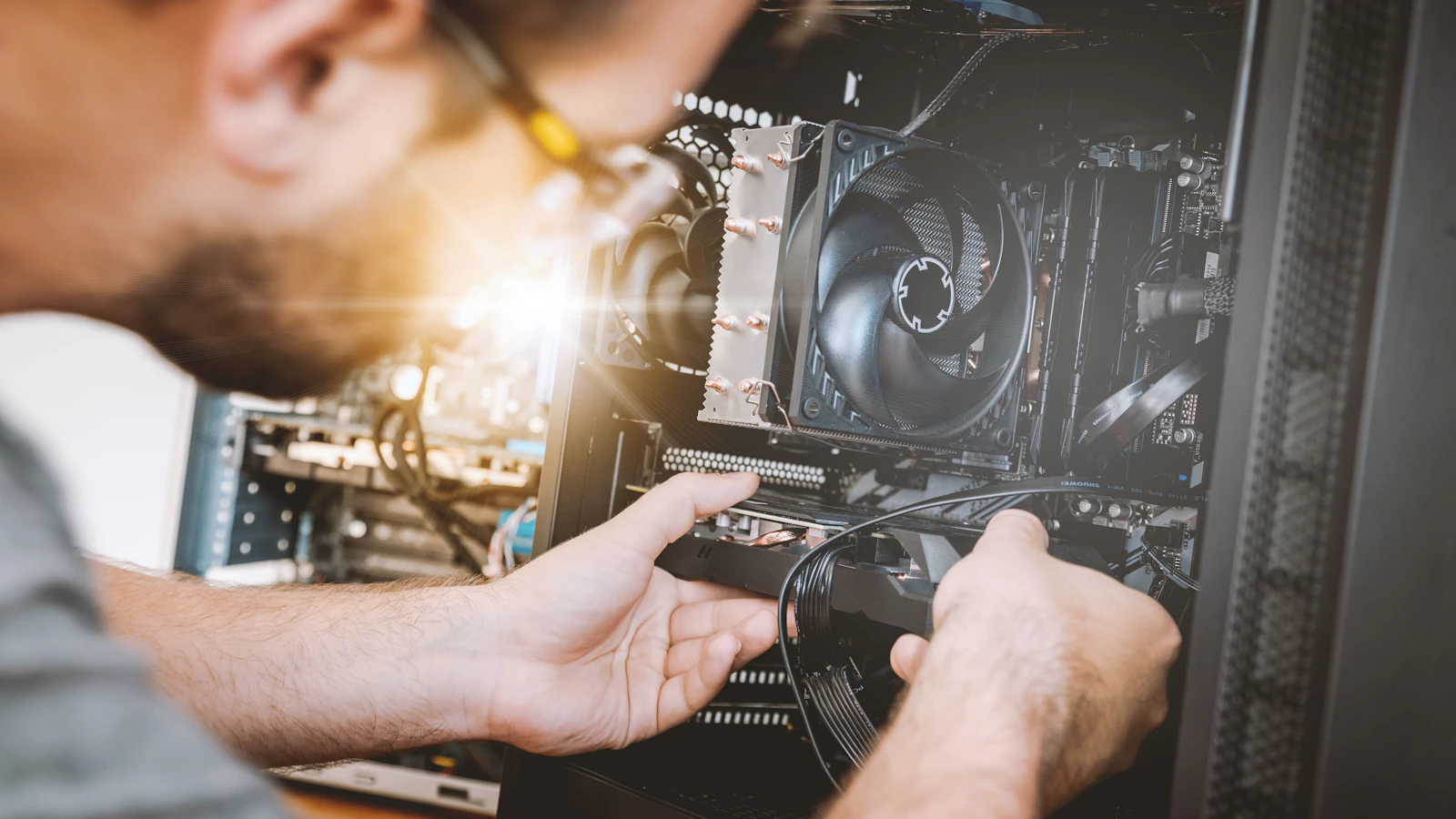
Call the support number before buying, ask one precise question and time the answer. Then request the Casablanca response time, covered hours, out-of-warranty charge and backup procedure in writing. A local address is not a service-level promise. A written commitment is.
4. What makes buying in Casablanca different
The city has 73,156 commercial establishments in the economic map published by E-Data Casablanca-Settat. That does not prove any seller is better, but it explains why a Casablanca merchant can compare several counter formats and find peripherals without ordering remotely. The regional monograph likewise describes dense retail where traditional networks remain dominant.
Derb Omar is not here as local decoration: the public platform records 2,045 shops, 95,000 m² of sales area and 60,000 m² of storage. A wholesaler therefore shifts the requirement towards purchasing, carton units, customer balances and document printing. Our free POS comparison for Casablanca answers the software question; this page stays on buying, quotations and setup.
In Sidi Maârouf, identified by the monograph as a business park near Technopark, the questions shift again to multiple users, a local network, exports and continuity. In every district, ask whether the till works when the internet fails. Our offline versus cloud POS comparison helps you choose that risk deliberately.
5. The installation acceptance sheet to sign
An invoice is not enough. Add an acceptance sheet with each part’s make, model and serial number, licence identifiers, warranty start date, the name of the trained person and the backup location.
- Create a product, sell it, refund it and check the remaining stock.
- Print a receipt in French and then Arabic, with legible letters, numbers and total.
- Disconnect the internet, complete a sale, close and reopen the application.
- Shut down properly, restart and verify the last transaction.
- Create a backup, copy it away from the terminal and restore a test database.
- Record the support number, opening hours, promised response and travel charge.
Mistakes to avoid
- Buying the pack before choosing software. A smart terminal does not compensate for missing stock, languages or offline operation.
- Comparing a VAT-inclusive price with one excluding VAT. Require the payable total and every included item.
- Leaving the seller as sole administrator. The merchant must own passwords, licence and backup.
- Accepting a one-year warranty with no procedure. A duration without response time, carriage or a loan unit offers little protection.
- Never testing restore. A backup nobody can restore is not an operational backup.
Frequently asked questions
Where can I buy a cash register in Casablanca?
Use a hardware reseller to see and test the machine, an integrator when you need setup and networking, or a software publisher directly when you already own the PC. Compare against the same list of parts and services.
How much is a touchscreen till in Casablanca?
The verified public price starts at 4,800 MAD for a compact station and 11,500 MAD for a published kit with terminal, printer, drawer, scanner and setup. These are starting prices to confirm by quotation.
Who should install the till?
An installer helps with networking, peripherals and training. A merchant can also install desktop POS on an existing PC. Either way, acceptance must test a sale, receipt, backup and restart.
What happens when the till breaks?
First identify the component: software, terminal, printer, network or power. The quotation should state contact, response time, carriage, out-of-warranty price and, where the business needs it, a loan unit.
Do I need an all-in-one till?
No. It suits a tight, dedicated counter. A PC plus POS is often easier to evolve because screen, printer and scanner can be replaced separately.
Can I use an existing PC for free?
Yes, if its Windows version and ports are compatible. BelloPOS Lite is free for life and works offline; add peripherals only when volume justifies them.
What to take away
In Casablanca, proximity makes in-person testing possible, not blind trust. Choose the format first, demand a comparable quote, then sign an acceptance sheet covering failure, backup and support. To estimate the years after purchase, use our POS total cost guide too.
Sources
The figures and rules quoted above come from these pages, read on the date given in the article.
- AlloCaisse: hardware, public prices and Casablanca address, read 31 July 2026
- E-Data Casablanca-Settat: commercial establishments and Derb Omar figures, read 31 July 2026
- Official Casablanca-Settat monograph: dense retail and the Sidi Maârouf business park
Test the software before buying the counter
Install BelloPOS Lite free on a computer you already own. If your setup needs several stations, hardware or assisted installation, compare licences next and price every peripheral explicitly.
Read next
Other practical guides on the same subject: