
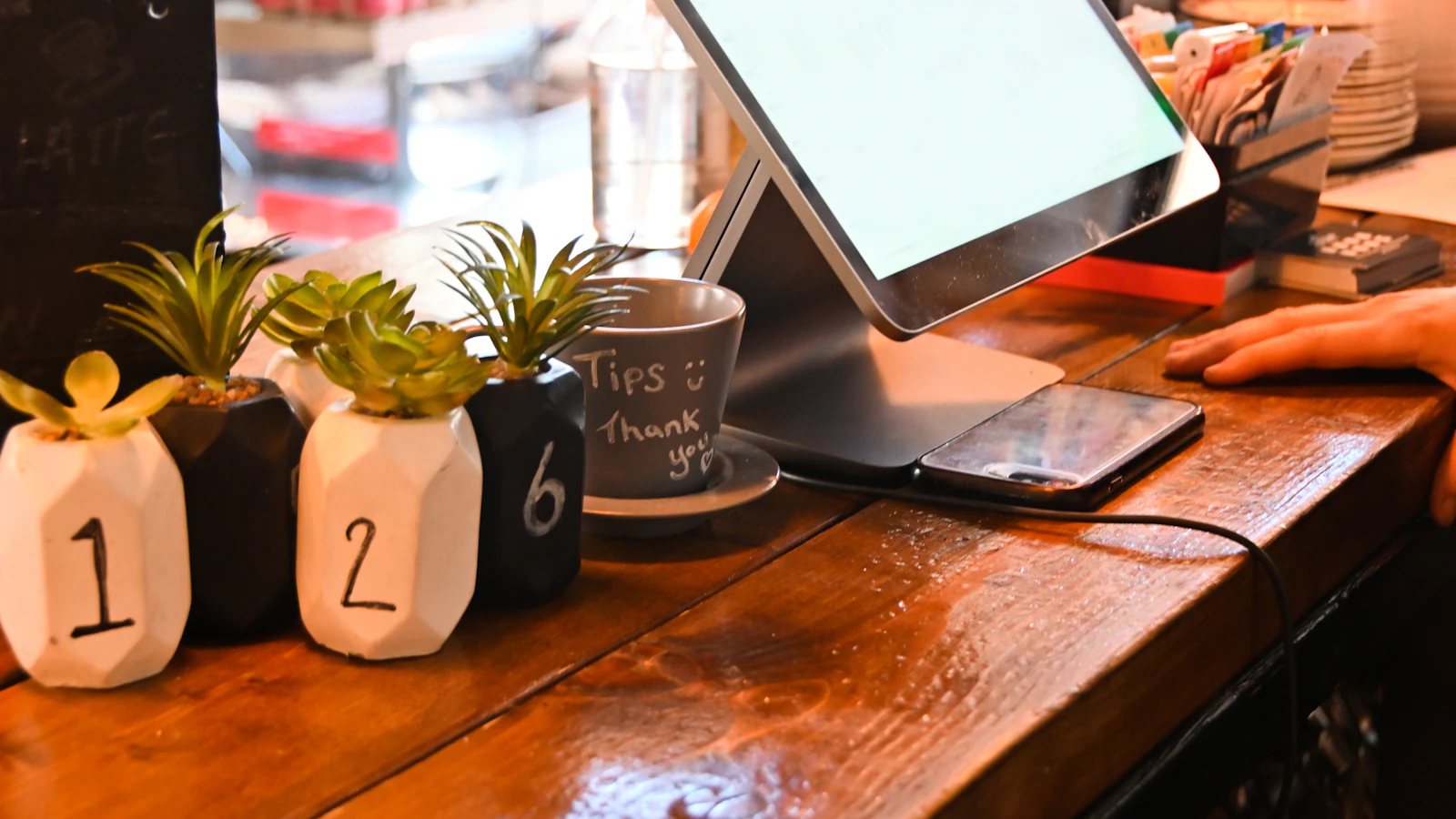
A complete till station starts around 4,800 MAD MAD in Morocco, and a kit with station, printer, scanner and drawer runs about 11,500 MAD MAD, published prices read on 28 July 2026. But that is not the real question. The real question is which pieces you need on day one, because a shop can open with a computer it already owns and no peripherals at all. Here are the verified prices, the list of what can wait, and how to read a quote without three useless lines being added to it.
In short
- A complete station, from 4,800 MAD MAD. A kit with peripherals, around 11,500 MAD MAD.
- On day one nothing is required except a computer: BelloPOS runs on the shop’s PC.
- The printer comes second, the scanner third, and only if your stock carries barcodes.
- A drawer is only useful if it opens itself, which means wired to the printer.
- Test Arabic printing before you pay. On a thermal printer it is not a given.
The published prices, as read
Stations and kits sold by a Moroccan reseller, prices displayed on 28 July 2026. These are “from” prices: a quote in your name will differ, in both directions.
| The equipment | What it is for | Published price, from |
|---|---|---|
| Compact 12-inch station | A narrow counter, a single till. | 4,800 MAD |
| 15-inch touchscreen station | The common shop format. | 5,600 MAD |
| Restaurant station | A service-facing screen, often with a printer. | 5,900 MAD |
| POS tablet | Mobile, for taking orders at the table. | 7,500 MAD |
| Complete kit | Station, printer, scanner and drawer together. | 11,500 MAD |
| 21-inch self-service kiosk | Customer ordering, in food service. | 18,500 MAD |
These lines are bundles, not individual pieces. That is deliberate: we have no verified unit price for a printer, a scanner, a drawer or a scale in this market, so we publish none. An invented figure would have you negotiating against a ghost. The full budget, software included, is in our article on what a cash register costs in Morocco.
Piece by piece: useful when?
The right question for each line of a quote is not “how much” but “from what sales volume does this piece start saving me time”.
- The computer: The only genuinely indispensable piece, and you probably already have one. An ordinary desktop runs a local till without difficulty; a touchscreen is a comfort, not a requirement.
- The receipt printer: The second piece to buy, as soon as you hand over a receipt on every sale. Thermal, 80 mm for a shop, 58 mm if you sell few lines per sale. When it stops, our thermal printer diagnosis takes the causes in order.
- The barcode scanner: Useful only if your products carry codes. On loose or craft stock it does nothing until you label at goods-in. The choice is simple and we worked through it in choosing a barcode scanner.
- The cash drawer: Only worth having wired to the printer, so it opens itself at payment. A drawer you open by hand is an office drawer at a POS price.
- Customer display and scale: A customer display is a requirement in some trades and a comfort elsewhere. A scale is only in question if you sell by weight, and then it becomes the central piece, ahead of the printer.
Reading a quote in six questions
Asked before signing, they move more money than haggling over the headline price.
- Ask for the line-by-line detail, with the make and model of each piece. A “complete POS pack” quote at one single amount compares with nothing.
- Ask what runs on it. Hardware without software is furniture; software forced on you with the hardware is a disguised subscription that belongs in the price.
- Have a receipt printed in Arabic on the exact model offered, in front of you, before paying.
- Ask about the warranty and the replacement time: a printer down for three days costs more than it cost to buy.
- Ask whether the drawer is driven by the printer and whether the cable is included. It is the most commonly forgotten line.
- Ask what happens with no internet. For the hardware it changes nothing, for the software it changes everything, and that is the subject of our POS software comparison.
Question 2 is the expensive one to forget. A 4,800 MAD MAD station sold with a compulsory subscription is not a hardware purchase: it is a first instalment.
Why we publish no unit prices
Because we have none verified for Morocco. The prices above are what one reseller publicly displays for stations and kits; peripherals sold individually circulate at prices we could not observe on a public page. Publishing a finger-in-the-air range would give you a false reference in a negotiation, which is worse than no reference at all. Get two quotes, and compare them with the six questions above.
What is specific to the Moroccan market
The first point is provenance. A significant share of the POS hardware sold here is imported without a strong brand, which is not a fault in itself: these machines are often the same ones sold elsewhere under other names. The fault appears after the sale, in drivers and replacement. Ask for the exact model, and check a driver exists for your version of Windows before, not after.
The second is Arabic. A thermal printer that prints French perfectly can produce unreadable Arabic receipts, depending on the driver and the character set. That is one minute of testing at the seller’s counter, or a month of problems if you skip it. The same test applies to the customer display.
The third is second-hand. Used POS hardware trades a lot in Morocco, and a two-year-old station is a good deal if, and only if, you can switch it on, print a receipt and open the drawer in front of the seller. Without those three gestures you are buying furniture.
The minimum to open tomorrow
In order, stopping as soon as it is enough.
- A computer you already own and the Lite licence, free for life. Cost: zero.
- A receipt printer as soon as you hand a receipt over on every sale.
- A scanner when your products carry codes and the queue gets longer.
- A drawer driven by the printer when more than one person takes payment.
- A touchscreen station when the counter is a standing one and the keyboard is in the way, not before.
Mistakes to avoid
- Buying the complete kit before selling anything. Start with the PC you have.
- A quote with one single amount. Insist on the detail per piece.
- Forgetting the drawer cable. The most frequently missing line.
- Not testing Arabic. One minute at the seller’s, or a month of problems.
- Paying for a touchscreen in a seated shop. A keyboard does the job.
Frequently asked questions
How much does POS hardware cost in Morocco?
At a Moroccan reseller, a compact station starts at 4,800 MAD MAD, a 15-inch touchscreen station at 5,600 MAD MAD and a complete kit with printer, scanner and drawer around 11,500 MAD MAD, published prices read on 28 July 2026. A self-service kiosk sits at 18,500 MAD MAD.
Can you open without buying hardware?
Yes. BelloPOS installs on an ordinary computer and the Lite licence is free for life: you can take payment, keep stock and pull your reports without buying a single piece. The printer becomes useful when you hand a receipt over on every sale.
Do you need a touchscreen?
No, it is a comfort. It earns its place on a counter where you work standing and fast, in food service particularly. In a shop where the assistant is seated, a keyboard and mouse do the same job for less.
Which receipt printer should I choose?
A thermal one, 80 mm for an ordinary shop. The thing to check is not the advertised speed but two concrete points: that a driver exists for your version of Windows, and that it prints Arabic properly. Have a test receipt printed before you pay.
Is second-hand hardware a good deal?
Often yes, on one condition: switch the machine on, print a receipt and open the drawer in front of the seller. A two-year-old station that passes those three tests will last years more; one sold to you switched off is a gamble.
What to take away
Hardware is the part of the budget people most overestimate. The stations sold here start at 4,800 MAD MAD and that stays true, but your first day costs nothing: the shop’s computer and a free licence are enough to take payment and keep stock. Add the printer when the receipt becomes daily, the scanner when the codes exist, the drawer when more than one pair of hands takes money. And have a receipt printed in Arabic before you get your card out.
Sources
The figures and rules quoted above come from these pages, read on the date given in the article.
Start with the computer you already have
BelloPOS installs on an ordinary PC, works entirely offline and drives the printer, the scanner and the drawer when you add them. Lite licence free for life.
Read next
Other practical guides on the same subject: